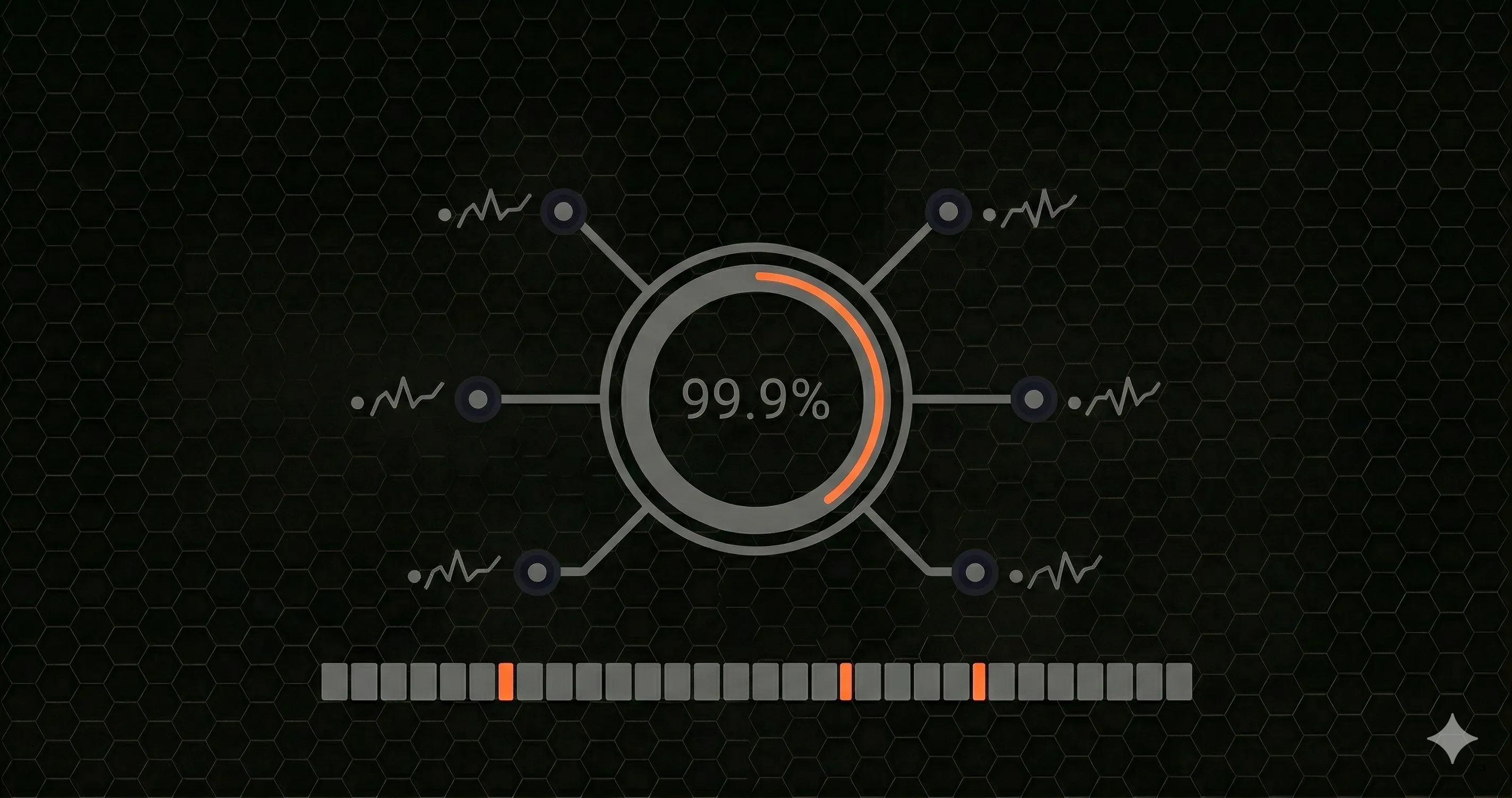
Every developer eventually encounters the word uptime in a status page, a hosting plan, or a service-level agreement. It sounds simple, but the details matter. The difference between 99.9% and 99.99% uptime is not academic, it translates directly into minutes of downtime your users will experience, and dollars your business could lose.
This guide covers everything you need to know about uptime: what it means, how to calculate it, what the "nines" represent, how it relates to SLAs and SLOs, and how uptime monitoring helps you stay ahead of outages.
What Is Uptime?
Uptime is the amount of time a system, server, or service is operational and accessible. It is typically expressed as a percentage of total elapsed time. If a web server ran without interruption for an entire month, its uptime would be 100%. If it went down for one hour during that month, its uptime would drop to approximately 99.86%.
The concept applies to any system that is expected to be available: websites, APIs, databases, DNS servers, payment gateways, and internal microservices. When someone says "our API has 99.9% uptime," they mean that over a given measurement period, the API was reachable and responding correctly 99.9% of the time.
Uptime is the inverse of downtime. If uptime is 99.95%, downtime is 0.05% of the total period.
The uptime formula
Uptime % = ((Total Time - Downtime) / Total Time) x 100For a 30-day month (720 hours), if your service experienced 45 minutes of downtime:
Uptime % = ((43,200 - 45) / 43,200) x 100 = 99.896%That puts you just below the "three nines" threshold. To understand why that matters, let's look at the nines in detail.
The "Nines" Explained: 99% Through 99.999%
When engineers talk about uptime, they often use the shorthand of "nines." Three nines means 99.9%. Four nines means 99.99%. Each additional nine reduces the allowed downtime by a factor of ten, which makes each step significantly harder to achieve.
| Uptime % | Common Name | Downtime per Year | Downtime per Month | Downtime per Week |
|---|---|---|---|---|
| 99% | Two nines | 3 days, 15 hours | 7 hours, 18 minutes | 1 hour, 41 minutes |
| 99.5% | Two and a half nines | 1 day, 19 hours | 3 hours, 39 minutes | 50 minutes |
| 99.9% | Three nines | 8 hours, 46 minutes | 43.8 minutes | 10.1 minutes |
| 99.95% | Three and a half nines | 4 hours, 23 minutes | 21.9 minutes | 5 minutes |
| 99.99% | Four nines | 52.6 minutes | 4.4 minutes | 1 minute |
| 99.999% | Five nines | 5.26 minutes | 26.3 seconds | 6 seconds |
Most SaaS companies target three nines (99.9%) as a realistic balance between reliability and engineering cost. Cloud providers like AWS and Google Cloud typically offer SLAs at 99.95% or 99.99% for their core compute and database services. Achieving five nines requires redundant infrastructure across multiple regions, automated failover, and a mature incident response process.
For context, 99% uptime sounds high but allows over three and a half days of downtime per year. For an e-commerce API, that could mean thousands of failed transactions. The difference between 99% and 99.9% is not a small optimization, it is a fundamentally different engineering commitment.
How Is Uptime Calculated?
In practice, uptime is measured by monitoring systems that send requests at regular intervals and record whether each check succeeds or fails. The calculation then becomes:
Uptime % = (Successful Checks / Total Checks) x 100Here is a practical JavaScript function that calculates uptime from a set of monitoring results:
/**
 * Calculate uptime percentage from monitoring check results.
 * @param {Array} checks - Array of { timestamp, status } objects
 * @returns {Object} Uptime stats
 */
function calculateUptime(checks) {
  const total = checks.length;
  if (total === 0) return { uptimePercent: 0, totalChecks: 0, failures: 0 };

  const failures = checks.filter(c => c.status >= 400 || c.status === 0).length;
  const successful = total - failures;
  const uptimePercent = (successful / total) * 100;

  // Calculate downtime windows
  const checkInterval = 60; // seconds between checks
  const downtimeSeconds = failures * checkInterval;
  const downtimeMinutes = (downtimeSeconds / 60).toFixed(1);

  return {
    uptimePercent: uptimePercent.toFixed(4),
    totalChecks: total,
    successful,
    failures,
    downtimeMinutes,
    nines: uptimePercent >= 99.999 ? 5
         : uptimePercent >= 99.99  ? 4
         : uptimePercent >= 99.9   ? 3
         : uptimePercent >= 99     ? 2
         : 1
  };
}

// Example usage
const results = calculateUptime(last30DaysChecks);
console.log(`Uptime: ${results.uptimePercent}% (${results.nines} nines)`);
console.log(`Downtime: ${results.downtimeMinutes} minutes`);
If you want to quickly check where your service stands, try our uptime calculatorenter your total hours and downtime to get your uptime percentage and nines level instantly.
Measurement considerations
Uptime calculations are only as good as the monitoring behind them. Key factors include:
- Check frequency: A monitor that checks every 5 minutes could miss a 3-minute outage entirely. One-minute intervals are the minimum for production APIs.
- Check locations: A service might be reachable from Virginia but down in Frankfurt. Multi-region monitoring prevents blind spots.
- What counts as "down": Some organizations count HTTP 5xx errors as downtime. Others require a complete connection failure. Your SLA should define this explicitly.
- Planned maintenance: Many SLAs exclude scheduled maintenance windows from downtime calculations. This is worth scrutinizing when evaluating a provider's uptime claims.
What Is Uptime Monitoring?
Uptime monitoring is the practice of continuously checking whether a website, API, or service is reachable and responding correctly. A monitoring system sends automated HTTP requests (or other protocol-specific probes) at regular intervals and alerts you when something fails.
There are three main approaches to uptime monitoring, and most teams use a combination:
1. Synthetic monitoring
External systems send requests to your endpoints from multiple geographic locations on a fixed schedule. This is the most common form of uptime monitoring. It tells you whether your service is reachable from the outside world, which is what matters to your users.
Synthetic monitors typically measure response time, status codes, TLS certificate validity, and DNS resolution time. Tools like UptimeRobot and Better Stack all fall into this category.
2. Real-user monitoring (RUM)
JavaScript embedded in your frontend collects performance data from actual user sessions. RUM captures real-world latency, errors, and page load times across different devices, browsers, and network conditions. It does not replace synthetic monitoring, it complements it by showing how real users experience your service.
3. Internal health checks
Your application exposes a health check endpoint (typically /health or /healthz) that reports the status of internal dependencies: database connections, cache layers, third-party APIs, and queue systems. Internal health checks help you distinguish between "the server is running" and "the server is running correctly."
A robust monitoring setup combines all three: synthetic checks catch external-facing outages, RUM reveals user experience problems, and health checks surface internal dependency failures before they cascade.
Uptime vs. Availability vs. Reliability
These three terms are often used interchangeably, but they measure different things. Understanding the distinction helps you set the right goals and communicate clearly with stakeholders.
| Concept | Definition | Measures | Example |
|---|---|---|---|
| Uptime | Time the system is running and reachable | Is the server responding? | Server returned HTTP 200 for 99.9% of checks |
| Availability | Time the system is functioning correctly for users | Can users complete their tasks? | API responded but with 30-second latency, technically "up" but effectively unavailable |
| Reliability | Consistency of correct behavior over time | How often does the system fail? | Service goes down once per quarter vs. once per week, same uptime percentage, different reliability |
A server can have 100% uptime but poor availability if it responds with errors or extreme latency. Similarly, two services can both have 99.9% uptime, but one might experience a single 8-hour outage while the other has hundreds of brief blips. The first is arguably more reliable because its failure mode is predictable, even though the numbers are identical.
When defining your monitoring strategy, track all three. Uptime tells you the server is on. Availability tells you it is useful. Reliability tells you if you can trust it.
Common SLA Terms Explained: SLA, SLO, SLI, and Error Budget
If you work with cloud services, payment providers, or any external dependency, you will encounter these terms. They form a hierarchy that connects business promises to engineering metrics.
SLA: Service Level Agreement
An SLA is a contract between a service provider and a customer. It defines what level of service the customer can expect and what happens if the provider fails to deliver. SLAs typically specify uptime percentages, response time thresholds, and remedies (usually service credits) for violations.
Example: "We guarantee 99.95% monthly uptime. If uptime falls below this threshold, affected customers receive a 10% service credit."
SLO: Service Level Objective
An SLO is an internal target that is usually stricter than the SLA. If your SLA promises 99.9%, your SLO might be 99.95%. This buffer gives your team room to detect and fix problems before they become SLA violations. SLOs are engineering goals, not customer-facing promises.
SLI: Service Level Indicator
An SLI is the actual metric you measure. It is the data point that tells you whether you are meeting your SLO. Common SLIs include request latency (p50, p95, p99), error rate, and uptime percentage. Your monitoring system produces SLIs. Your SLO defines the acceptable range. Your SLA defines the consequences of exceeding that range.
Error budget
An error budget is the amount of allowed unreliability derived from your SLO. If your SLO is 99.9% uptime, your error budget is 0.1%, about 43 minutes per month. When your error budget is spent, the team should freeze feature deployments and focus on reliability work. This concept, popularized by Google's SRE practices, prevents teams from optimizing for speed at the cost of stability.
| Term | Type | Who sets it | Example |
|---|---|---|---|
| SLA | Contract / promise | Business + legal | 99.9% uptime or customer gets credits |
| SLO | Internal target | Engineering team | 99.95% uptime, stricter than the SLA |
| SLI | Measured metric | Monitoring system | 99.97% of requests returned HTTP 2xx in under 500ms |
| Error budget | Allowed failure | Derived from SLO | 0.05% = 21.9 minutes of downtime per month |
How to Improve Uptime
Improving uptime is not about finding one magic solution. It requires layered defenses across infrastructure, application code, deployment practices, and incident response. Here are the strategies that matter most.
1. Redundancy and failover
Single points of failure are the most common cause of downtime. Eliminate them by running multiple instances of critical services behind a load balancer. Use multi-region or multi-availability-zone deployments so that a hardware failure or network partition in one location does not take down your entire service.
For databases, use read replicas and automated failover. For DNS, use multiple providers. For CDNs, ensure your origin can serve traffic directly if the CDN fails.
2. Continuous uptime monitoring
You cannot improve what you do not measure. Set up synthetic monitoring that checks your endpoints every minute from multiple regions. Configure alerts that notify your team within seconds of a failure, via Slack, PagerDuty, email, or SMS.
Track not just binary up/down status but also response time trends. A gradual increase in latency is often the first sign of an impending outage. When your API goes down, the cost is measured in lost revenue, broken integrations, and eroded user trust.
3. Graceful degradation
Design your application to continue functioning (even in a reduced capacity) when a dependency fails. If your recommendation engine is down, show popular items instead of returning an error. If a third-party payment provider is slow, queue the transaction and retry. Circuit breakers, timeouts, and fallback responses keep the user experience intact during partial failures.
4. Deployment safety
Bad deployments cause a significant percentage of outages. Mitigate this with canary deployments (roll out to 5% of traffic first), blue-green deployments (maintain a previous version ready to serve), and automated rollbacks triggered by error rate spikes. Never deploy on a Friday without an automated rollback plan.
5. Incident response
Downtime is inevitable. What separates high-uptime teams from the rest is how fast they detect, respond to, and resolve incidents. Document your runbooks. Define on-call rotations. Practice incident response regularly. After each incident, conduct a blameless post-mortem and implement the fixes that prevent recurrence.
The mean time to recovery (MTTR) is often more important than mean time between failures (MTBF). A team that recovers from incidents in 5 minutes will have better uptime than a team that takes 2 hours, even if the second team has fewer incidents overall.
6. Load testing and capacity planning
Many outages happen because traffic exceeds what the infrastructure can handle. Run load tests regularly, not just before launch, but as your traffic patterns evolve. Set up auto-scaling with appropriate thresholds. Monitor resource utilization (CPU, memory, database connections) and set alerts before you hit limits.
Frequently Asked Questions
What does 99.9% uptime mean?
99.9% uptime (often called three nines) means a service can be unavailable for a maximum of 8 hours, 45 minutes, and 36 seconds per year, or about 43.8 minutes per month. Each additional nine reduces the allowed downtime by a factor of ten. For example, 99.99% (four nines) permits only 52.6 minutes of downtime per year.
How do you calculate uptime percentage?
Uptime percentage is calculated using the formula: Uptime % = ((Total Time - Downtime) / Total Time) x 100. For example, if your service experienced 2 hours of downtime in a 30-day month (720 hours), your uptime would be ((720 - 2) / 720) x 100 = 99.72%. You can use our uptime calculator to compute this instantly.
What is the difference between uptime and availability?
Uptime measures whether a server or service is running and reachable. Availability is a broader concept that considers whether the service is functioning correctly from the end user's perspective, including degraded performance. A server can have 100% uptime but reduced availability if it responds with errors or extreme latency.
What is uptime monitoring and why do I need it?
Uptime monitoring is the practice of continuously checking whether a website, API, or service is reachable and responding correctly. It typically involves sending automated HTTP requests at regular intervals from one or more geographic locations. You need uptime monitoring to detect outages before your users do, meet SLA commitments, and gather data for incident response and post-mortems. Dedicated uptime monitoring tools automate this process with checks from multiple regions and alerting.