
Your API has twelve endpoints. Users hit them thousands of times a day. But you only find out something is broken when a customer emails you — or when a tweet goes viral for the wrong reasons.
Endpoint monitoring fixes this. It continuously checks your API endpoints so you know the moment something goes wrong — not hours later when the damage is done.
This guide covers what endpoint monitoring is, how it works under the hood, the different types, which metrics matter, and how it compares to API monitoring and uptime monitoring. If you already know the basics and want a hands-on walkthrough, jump to our complete endpoint monitoring guide.
What Is Endpoint Monitoring?
Endpoint monitoring is the practice of continuously testing your API endpoints to verify they are available, responding correctly, and performing within acceptable time thresholds. An "endpoint" is any URL that accepts requests — an API route, a webhook, a health check path, a login page.
Think of it like a security guard doing rounds. Instead of waiting at the front desk hoping nobody reports a break-in, the guard walks through every room on a schedule, checks that every door is locked, and radios in if something looks wrong. Endpoint monitoring does the same thing for your API: it sends requests to each endpoint on a regular interval, inspects the response, and alerts you when something is off.
The "something is off" part is where it gets specific. Endpoint monitoring doesn't just check if the server is alive. It validates:
- The endpoint returns the expected HTTP status code (e.g.,
200, not503) - The response arrives within an acceptable time window
- The response body contains expected content or structure
- SSL certificates are valid and not about to expire
- DNS resolution, TCP connection, and TLS handshake complete normally
Without endpoint monitoring, you are relying on your users to tell you when something breaks. That is the most expensive form of monitoring there is.
How Does Endpoint Monitoring Work?
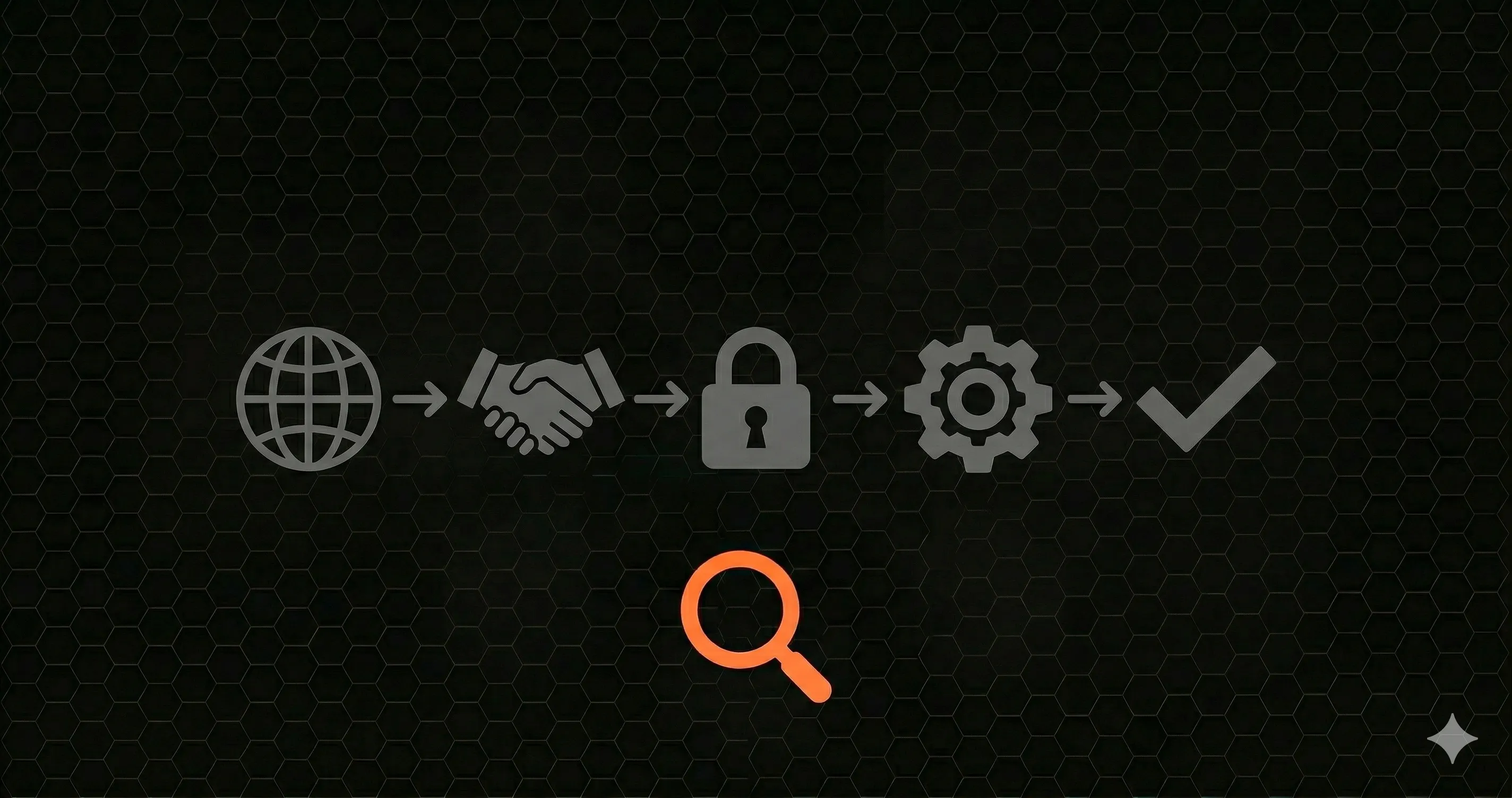
When an endpoint monitor runs a check, it follows the same path a real HTTP request takes. Understanding this lifecycle helps you interpret the metrics your monitoring tool reports.
The Request Lifecycle
Every HTTP request goes through these stages:
- DNS Resolution — The monitor resolves your domain name (e.g.,
api.yourapp.com) to an IP address. If your DNS provider is slow or misconfigured, this step alone can add hundreds of milliseconds. Endpoint monitors measure DNS lookup time separately so you can spot DNS issues. - TCP Connection — A TCP handshake establishes the connection between the monitor and your server. High TCP connect times usually indicate network congestion or server overload.
- TLS Handshake — For HTTPS endpoints, the client and server negotiate encryption. The monitor verifies the SSL certificate is valid, checks expiration dates, and measures handshake duration. Expired or misconfigured certificates will fail this step entirely.
- Time to First Byte (TTFB) — This is the time between sending the request and receiving the first byte of the response. TTFB reflects your server's processing time — database queries, business logic, serialization. It is often the most revealing metric for backend performance.
- Response Download — The full response body is downloaded. The monitor then validates the status code, checks the body against expected patterns, and records the total response time.
Good endpoint monitoring tools break down each phase individually. A spike in DNS time points to a DNS provider issue. A spike in TTFB points to your application code or database. Without this breakdown, all you see is "the request was slow" — which tells you almost nothing about where to look. For a deeper dive into these phases, see our guide on REST API monitoring.
Types of Endpoint Monitoring
Not all endpoint monitoring works the same way. The right approach depends on what you need to detect and how early you need to detect it.
Synthetic Monitoring vs. Real-User Monitoring
Synthetic monitoring sends artificial requests to your endpoints on a fixed schedule — every 30 seconds, every minute, every five minutes. It doesn't wait for real users to trigger a problem. If your /api/checkout endpoint starts returning 500 errors at 3 AM, synthetic monitoring catches it immediately even if no users are active.
Real-user monitoring (RUM) captures data from actual user requests. It tells you what real users experience, including geographic latency differences, device-specific issues, and traffic-dependent performance. But it can only report problems after a user has been affected.
Most teams use both. Synthetic monitoring for early detection; real-user monitoring for understanding actual impact.
External vs. Internal Monitoring
External monitoring runs from servers outside your infrastructure — data centers in different regions testing your endpoints the way a user's browser would. It catches problems that internal tools miss: DNS failures, CDN outages, network routing issues, and certificate problems.
Internal monitoring runs inside your network or application. It can access private endpoints, measure internal service-to-service latency, and detect problems that external monitors cannot see because they are behind a load balancer or firewall.
Active vs. Passive Monitoring
Active monitoring generates its own traffic. It sends requests and measures responses. This is what most people mean when they say "endpoint monitoring."
Passive monitoring observes existing traffic without generating new requests. It analyzes logs, listens to network traffic, or hooks into your application runtime to collect metrics from real requests as they happen.
What Metrics Do Endpoint Monitors Track?
The whole point of endpoint monitoring is to detect problems through measurable signals. Here are the metrics that matter most:
Status Codes
The most basic check: did the endpoint return the expected HTTP status code? A 200 is healthy. A 500 means your server broke. A 403 means authentication failed. A 429 means you're being rate-limited. Tracking status code distribution over time reveals patterns — a creeping increase in 5xx errors is often the first sign of a failing dependency.
Response Time and Latency Percentiles
Average response time is misleading. If 95% of your requests take 100ms and 5% take 10 seconds, your average looks fine at ~600ms while 1 in 20 users has a terrible experience. Track percentiles instead:
- P50 (median) — the typical user experience
- P95 — what your slowest "normal" users see
- P99 — the worst-case scenario that catches cold starts, GC pauses, and pool exhaustion
Uptime Percentage
Uptime is the percentage of time your endpoint is available and responding correctly. "Five nines" (99.999%) means about 5 minutes of downtime per year. "Three nines" (99.9%) means about 8.7 hours per year. Know your SLA targets and track against them.
SSL Certificate Expiry
An expired SSL certificate takes your entire site offline for HTTPS users. Endpoint monitoring tools check certificate validity on every request and alert you days or weeks before expiration. This one check alone has saved countless teams from preventable outages.
Response Headers and Body Validation
Status 200 does not always mean "working." Some APIs return 200 with an error message in the body. Advanced endpoint monitors let you validate that the response body contains specific strings, matches a JSON schema, or includes required headers like Content-Type or Cache-Control.
Who Needs Endpoint Monitoring?
If you expose any API or web service to users, you need endpoint monitoring. But some industries and use cases make it especially critical:
- SaaS companies — Your API is your product. If
/api/projectsgoes down, your customers cannot work. Endpoint monitoring catches outages before your support queue fills up. - E-commerce platforms — A broken
/api/checkoutor/api/cartendpoint directly costs revenue. Every minute of downtime during peak traffic is measurable in lost sales. - Fintech and payment APIs — Transaction endpoints require the highest reliability and the strictest latency guarantees. Regulatory requirements often mandate uptime tracking and incident documentation.
- Healthcare APIs — Patient data endpoints must be continuously available and compliant with HIPAA and other regulations. Downtime can affect patient care.
- Any team running Next.js with API routes — If you have
/api/*routes in your Next.js application, those routes serve real users and need the same monitoring attention as a standalone backend service.
The common thread: if an endpoint being down or slow costs you money, users, trust, or compliance standing, you need to monitor it.
Endpoint Monitoring vs. API Monitoring vs. Uptime Monitoring
These three terms get used interchangeably, but they mean different things. Here is how they compare:
| Aspect | Endpoint Monitoring | API Monitoring | Uptime Monitoring |
|---|---|---|---|
| What it checks | Individual URLs/routes: availability, response time, status codes, SSL, headers | Full API behavior: multi-step workflows, auth flows, schema validation, business logic | Whether a host or service is reachable (ping, TCP, simple HTTP) |
| Depth | Per-endpoint request lifecycle (DNS, TCP, TLS, TTFB) | Cross-endpoint sequences, contract testing, payload validation | Surface-level: is it up or down? |
| Typical checks | HTTP GET/POST to each route, validate response | Login then create resource then verify, chained requests | Ping, TCP port check, or HTTP status code check on a single URL |
| Alerting granularity | Per-endpoint alerts with timing breakdown | Per-workflow alerts with step-level detail | Up/down alerts for the whole service |
| Best for | Detecting slow or broken individual routes before users notice | Ensuring entire user journeys work end-to-end | Basic availability confirmation for landing pages or services |
| Complexity | Low to moderate | Moderate to high | Low |
Uptime monitoring asks "is it alive?" Endpoint monitoring asks "is each route healthy and fast?" API monitoring asks "does the entire API behave correctly across workflows?" Most production systems need at least endpoint monitoring; many need all three.
How to Get Started with Endpoint Monitoring
You don't need to monitor everything on day one. Start with the endpoints that matter most — the ones that handle authentication, payments, and core product functionality. Then expand.
Step 1: Identify Your Critical Endpoints
List every API route your application exposes. Rank them by business impact. Your /api/auth/login, /api/payments, and core resource endpoints should be monitored first. If you have a health check endpoint, add that too — it gives your load balancer and orchestrator a reliable signal.
Step 2: Choose Your Monitoring Approach
For most teams, start with synthetic active monitoring from an external location. It catches the majority of issues and requires no changes to your application code. If you run a Next.js application, Nurbak Watch can monitor every API route from inside your server using the instrumentation hook — giving you both internal and external perspectives with minimal setup.
Step 3: Set Thresholds and Alerts
Don't alert on every blip. Set thresholds that reflect real problems: response time over 2 seconds for three consecutive checks, error rate above 5% over a five-minute window, or SSL certificate expiring within 14 days. Route alerts to Slack, email, or PagerDuty so the right person sees them immediately.
Step 4: Review and Expand
Once you have monitoring on critical endpoints, review the data weekly. Look for trends — gradually increasing response times, intermittent errors on specific routes, time-of-day patterns. Then expand coverage to secondary endpoints and add response body validation where it matters.
For a detailed walkthrough with code examples and tool comparisons, read our complete endpoint monitoring guide.
Frequently Asked Questions
What is endpoint monitoring?
Endpoint monitoring is the practice of continuously testing your API endpoints to verify they are available, responding correctly, and performing within acceptable thresholds. It checks the full request lifecycle — DNS resolution, TCP connection, TLS handshake, time to first byte, and response validation — to detect problems before users are affected.
What is the difference between endpoint monitoring and API monitoring?
Endpoint monitoring focuses on individual URLs or routes: is this endpoint reachable, does it return the right status code, and how fast is it? API monitoring goes deeper — it tests multi-step workflows (like "log in, create a resource, verify it exists"), validates response schemas, and checks business logic across sequences of calls. Endpoint monitoring is one layer of API monitoring.
What metrics does endpoint monitoring track?
The key metrics are HTTP status codes, response time percentiles (P50, P95, P99), uptime percentage, SSL certificate expiry, DNS resolution time, TLS handshake duration, TTFB, and response body or header validation. Together, these metrics give a complete picture of endpoint health.
Who needs endpoint monitoring?
Any team that exposes APIs or web services to users. SaaS companies, e-commerce platforms, fintech services, healthcare APIs, and any developer running a Next.js or backend application with API routes all benefit from endpoint monitoring. If a broken or slow endpoint costs you money, users, or compliance standing, you need it.