
Your API can pass every unit test, ace every staging deployment, and still fail silently in production. A DNS change propagates slowly in South America. A TLS certificate expires on a single load balancer. A third-party payment provider starts timing out at 3 AM. None of these show up in your CI pipeline. They show up in customer complaints — unless you catch them first with synthetic monitoring.
This guide explains what synthetic monitoring is, how it works under the hood, the different types of synthetic checks, and compares the best synthetic monitoring tools available in 2026. Whether you run a Next.js app with a handful of API routes or a distributed microservices architecture, you will find a tool and strategy that fits.
If you are new to the concept, start with our primer on what is synthetic monitoring before diving into the details below.
What Is Synthetic Monitoring?
Synthetic monitoring is the practice of using scripted, automated checks to simulate user interactions with your application from external locations at regular intervals. Instead of waiting for real users to encounter a problem, synthetic monitors proactively test your endpoints, pages, and workflows — and alert you the moment something breaks.
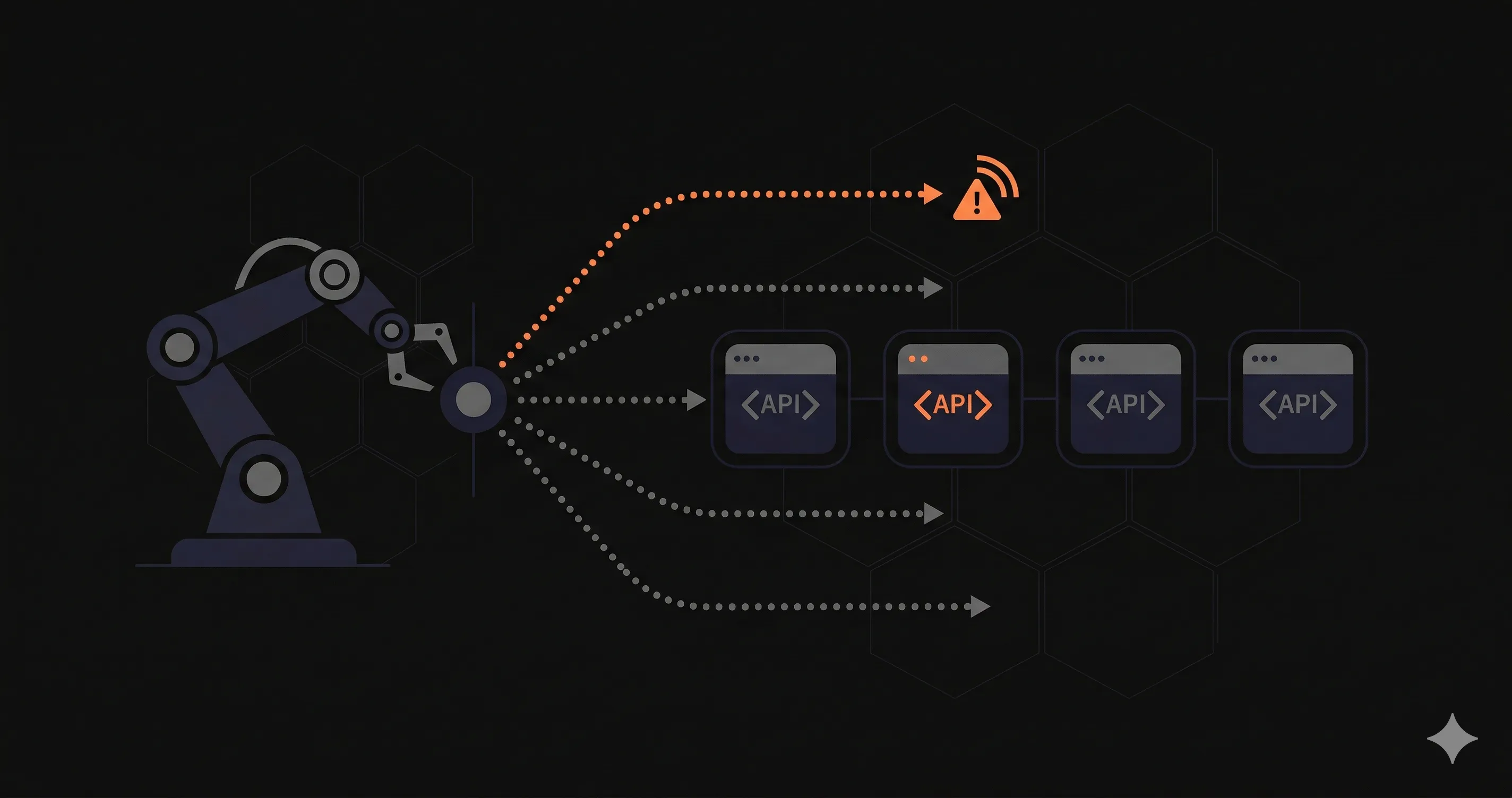
Think of it as a robot that visits your application every few minutes, follows a predefined script, and reports back whether everything worked as expected. If the response is too slow, the status code is wrong, or a key element is missing from the page, you get an alert before any real user is affected.
The "synthetic" part means the traffic is artificial. It does not come from real users — it comes from monitoring agents running in data centers around the world. This is the fundamental difference between synthetic monitoring and real user monitoring (RUM), which collects data from actual user sessions.
How Synthetic Monitoring Works
Every synthetic monitoring system has three core components: scripted checks, scheduled intervals, and distributed locations. Understanding each one helps you configure monitors that actually catch problems.
Scripted Checks
A synthetic check is a script that defines exactly what the monitor should do. At its simplest, it sends an HTTP GET request to a URL and verifies the response code is 200. At its most complex, it launches a headless browser, logs into your application, navigates through a checkout flow, and asserts that the confirmation page renders correctly.
Most tools let you write checks in JavaScript or use a visual editor. The script defines the request (URL, method, headers, body), the assertions (status code, response time threshold, body content), and the failure conditions (what counts as a failed check).
Intervals and Scheduling
Synthetic checks run on a schedule — typically every 1, 5, 10, or 15 minutes. The interval you choose depends on how quickly you need to detect failures. A 1-minute interval means your maximum detection time is 60 seconds. A 10-minute interval means a problem could exist for up to 10 minutes before you know about it.
Most tools also support maintenance windows, where checks are paused during planned deployments, and alert cooldown periods to prevent notification storms during known incidents.
Distributed Locations
Running checks from a single location tells you nothing about regional performance. A server that responds in 50ms from Virginia might take 800ms from Singapore — or fail entirely due to a CDN misconfiguration in that region.
Synthetic monitoring tools run checks from multiple global locations simultaneously. This serves two purposes: it detects region-specific outages, and it reduces false positives. If a check fails from one location but passes from four others, it is likely a network issue rather than an application failure.
Types of Synthetic Monitoring
Not all synthetic checks are the same. The type you need depends on what you are testing and how deep you need to go.
HTTP Checks
The most basic type. An HTTP check sends a request to a URL and validates the response. You can check status codes, response headers, body content, and response time. HTTP checks are lightweight, fast, and sufficient for verifying that an endpoint is alive and responding correctly.
Use HTTP checks for health endpoints, status pages, and simple API routes. For a practical implementation guide, see our endpoint monitoring guide.
Browser Checks
Browser checks launch a real headless browser (typically Chromium) and execute a script that interacts with your application like a user would. They can click buttons, fill forms, navigate between pages, and take screenshots. Browser checks measure Core Web Vitals, rendering time, and visual completeness.
Use browser checks for login flows, checkout processes, and any critical user journey where rendering matters — not just the API response.
API Checks
API checks go beyond simple HTTP pings. They validate response schemas, check specific JSON fields, measure individual timing phases (DNS lookup, TLS handshake, time to first byte), and can chain multiple requests together. An API check might POST to a create endpoint, then GET the created resource and verify it exists.
Use API checks for REST and GraphQL endpoints where you need to validate the response structure, not just the status code.
Multi-Step Checks
Multi-step checks combine several requests into a single logical transaction. They pass data between steps — for example, extracting a session token from a login response and using it in subsequent requests. If any step fails, the entire check fails, and you know exactly which step broke.
Use multi-step checks for authentication flows, payment processing, and any workflow that spans multiple API calls.
7 Best Synthetic Monitoring Tools in 2026
Below is a detailed comparison of the best synthetic monitoring tools available today. Each tool approaches synthetic monitoring differently — some focus on developer-friendly scripting, others on enterprise-scale browser testing, and others on simplicity and affordability.
| Tool | Type | Free Tier | Regions | Best For |
|---|---|---|---|---|
| Datadog Synthetics | HTTP, Browser, API, Multi-step | 14-day trial | 70+ | Enterprise teams already using Datadog |
| Checkly | HTTP, Browser (Playwright), API | Free plan (5 checks) | 20+ | Developers who want monitoring-as-code |
| Pingdom | HTTP, Browser (Transaction) | 14-day trial | 100+ | Teams needing established uptime + synthetic |
| UptimeRobot | HTTP, Keyword, Heartbeat | 50 monitors free | 12 | Indie developers and small teams on a budget |
| Better Stack | HTTP, Multi-step, Browser | Free plan (5 monitors) | 10+ | Teams wanting monitoring + incident management |
| Grafana Cloud Synthetic Monitoring | HTTP, DNS, TCP, Multi-step | Free tier (limited checks) | 30+ | Teams using Grafana for observability |
| Nurbak | HTTP, API, Multi-region | Free plan (3 endpoints) | 6 | Developers who want internal + external monitoring |
1. Datadog Synthetics
Datadog Synthetics is the synthetic monitoring module within the broader Datadog observability platform. It supports HTTP tests, browser tests with full Chromium rendering, API tests with multi-step chaining, and gRPC checks. Tests run from over 70 managed locations worldwide.
The biggest strength of Datadog Synthetics is integration depth. Synthetic test results correlate directly with APM traces, logs, and infrastructure metrics. When a synthetic check fails, you can trace the request through your entire stack without switching tools.
The downside is cost. Datadog Synthetics is priced per test run — API tests start at $5 per 10,000 runs, and browser tests at $12 per 1,000 runs. For teams running hundreds of checks at 1-minute intervals, costs scale quickly. It is best suited for organizations already invested in the Datadog ecosystem.
2. Checkly
Checkly is a developer-first synthetic monitoring platform built around Playwright. You write monitors as JavaScript or TypeScript code, version-control them alongside your application, and deploy them through CI/CD. Checkly calls this "monitoring as code," and it is genuinely useful for teams that treat infrastructure as code.
Checkly supports API checks, browser checks, and multi-step transactions. The CLI integrates with GitHub Actions, GitLab CI, and other pipelines. You can run checks before merging a PR to verify that production endpoints still work.
The free tier includes 5 checks, and paid plans start at $30/month for 15 checks with 1-minute intervals. The per-check pricing can get expensive for large teams, but the developer experience is best-in-class.
3. Pingdom
Pingdom is one of the oldest names in uptime and synthetic monitoring, now owned by SolarWinds. It offers uptime monitoring, page speed monitoring, real user monitoring, and transaction checks — their term for multi-step browser tests.
Transaction checks use a recorder that captures browser interactions and replays them on a schedule. Pingdom checks from over 100 probe locations, giving it one of the widest geographic distributions in this list.
Pricing starts at $15/month for 10 uptime checks. Transaction checks are available on higher-tier plans starting at $89/month. The interface feels dated compared to newer tools, but the reliability and probe network are proven.
4. UptimeRobot
UptimeRobot is the go-to free monitoring tool for indie developers. The free tier offers 50 monitors with 5-minute check intervals — more than enough for a small project or early-stage startup. Paid plans ($7/month) unlock 1-minute intervals, advanced notifications, and maintenance windows.
UptimeRobot focuses on HTTP, keyword, and heartbeat checks. It does not offer browser-based synthetic monitoring or multi-step transactions. If you need to verify that a page renders correctly or simulate a checkout flow, UptimeRobot is not the right tool. But for straightforward availability monitoring, it is hard to beat the value.
For a broader comparison of tools in this category, see our guide to the best uptime monitoring tools.
5. Better Stack
Better Stack (formerly Uptime.com) combines uptime monitoring, incident management, status pages, and on-call scheduling in a single platform. Synthetic checks include HTTP monitors, multi-step API checks, and browser-based monitors.
The standout feature is the integrated incident workflow. When a synthetic check fails, Better Stack can automatically create an incident, page the on-call engineer via phone, SMS, or Slack, and update your public status page. You do not need to wire together separate tools for monitoring and incident response.
The free tier includes 5 monitors with 3-minute intervals. Paid plans start at $24/month with 1-minute checks, 30-second options on higher tiers, and unlimited integrations.
6. Grafana Cloud Synthetic Monitoring
Grafana Cloud Synthetic Monitoring is built on the open-source Grafana stack. It supports HTTP, DNS, TCP, and multi-step checks from over 30 probe locations. All results feed directly into Grafana dashboards, where you can build custom visualizations alongside your other metrics.
The main advantage is flexibility. If your team already uses Grafana for infrastructure and application monitoring, adding synthetic checks keeps everything in one place. You can create alerts using Grafana's alerting rules and route them through existing notification channels.
The free tier of Grafana Cloud includes a limited number of synthetic checks. Paid plans offer more checks and higher frequencies. The learning curve is steeper than dedicated monitoring tools, but the customization options are unmatched.
7. Nurbak
Nurbak takes a hybrid approach to synthetic monitoring. Instead of relying solely on external probes, Nurbak combines external multi-region synthetic checks with internal health check monitoring. External checks verify your endpoints from 6 global regions every minute. Internal checks — triggered by your application's own health endpoints — provide a second perspective on availability and response times.
This hybrid model reduces false positives. An external check might fail due to a network routing issue, but if the internal health check passes simultaneously, Nurbak can differentiate between a genuine outage and a transient network problem. It also means you get both the outside-in view (what your users experience) and the inside-out view (what your infrastructure reports).
Nurbak monitors HTTP status codes, DNS resolution time, TLS handshake duration, time to first byte, and total response time for each check. The free plan includes 3 endpoints with 1-minute intervals. It is built for developers running Next.js, Rails, and other modern web frameworks who want meaningful monitoring without the complexity of enterprise tools.
Pros and Cons of Synthetic Monitoring
Synthetic monitoring is powerful, but it is not a silver bullet. Understanding the trade-offs helps you decide how much to invest and where to complement it with other approaches.
Advantages
- Proactive detection — Catch problems before users do. Synthetic checks run 24/7, even when no real users are active, which is critical for APIs that serve global audiences across time zones.
- Consistent baselines — Because synthetic checks use the same script, from the same locations, at the same intervals, they produce consistent performance baselines. You can track response time trends over weeks and spot gradual degradation.
- SLA verification — Synthetic monitoring provides the data you need to verify that your uptime and performance SLAs are being met. Many tools generate SLA compliance reports automatically.
- Pre-production testing — Run synthetic checks against staging environments to catch performance regressions before they reach production.
- Geographic coverage — Test your application from regions where you have users but no engineering team. A synthetic check from Sao Paulo catches issues that a developer in San Francisco would never see.
Disadvantages
- Cannot simulate real user diversity — Synthetic checks use scripted, predictable paths. Real users have different browsers, devices, network speeds, and behavior patterns that synthetic tests cannot replicate.
- Maintenance overhead — When your application changes (new login flow, updated API schema, redesigned checkout), your synthetic scripts need updating too. Stale checks generate false alarms.
- Limited to known scenarios — Synthetic monitors test the paths you define. They cannot catch issues in workflows you did not script. A race condition triggered by a specific sequence of user actions will not show up in a synthetic test.
- Cost at scale — Browser-based synthetic tests are resource-intensive. Running hundreds of Playwright scripts every minute from multiple locations can become expensive, especially on per-run pricing models.
The best monitoring strategy combines synthetic monitoring for proactive detection with real user monitoring for understanding actual user experience. Neither approach alone gives you the complete picture.
Synthetic Monitoring Best Practices
Setting up synthetic checks is straightforward. Getting value from them requires a bit more thought. These best practices will help you avoid common pitfalls and build a monitoring setup that actually catches problems.
Start with Critical Paths
Do not try to monitor everything on day one. Identify the 5 to 10 most critical user journeys — login, core API endpoints, checkout, payment callbacks — and create synthetic checks for those first. Expand coverage once the initial monitors are stable and you have tuned your alert thresholds.
Set Realistic Thresholds
A response time threshold of 200ms sounds good in theory but might trigger constant false alarms for endpoints that hit a database. Baseline your actual response times over a week, then set thresholds at 2x the p95 latency. Adjust from there based on your SLA requirements.
Monitor from Regions Where Your Users Are
If 60% of your traffic comes from Europe, running checks only from US-East is a waste. Configure your synthetic monitors to check from the geographic regions that match your user distribution. This catches CDN misconfigurations, DNS propagation delays, and regional provider outages.
Version-Control Your Monitors
If your tool supports monitoring-as-code (Checkly, Grafana), store your check definitions in your repository alongside your application code. This ensures monitors stay in sync with application changes and allows code review for monitoring configurations.
Avoid Alert Fatigue
A synthetic check that alerts on every single failure will train your team to ignore notifications. Configure confirmation checks (re-run the check once before alerting), require failures from multiple regions before firing, and use escalation policies that page humans only for sustained outages.
Test Your Alerts
An alert that fires but does not reach the on-call engineer is worse than no alert at all. Periodically trigger a synthetic failure intentionally — by changing the expected response code or threshold — and verify that the alert reaches the correct channel and person. Treat your alerting pipeline as a system that needs its own testing.
Frequently Asked Questions
What is the difference between synthetic monitoring and real user monitoring?
Synthetic monitoring uses scripted, automated checks that simulate user behavior from predefined locations at regular intervals. Real user monitoring (RUM) collects performance data from actual users interacting with your application in real time. Synthetic monitoring is proactive — it detects issues before users do. RUM is reactive — it shows you problems users are already experiencing. Most production environments benefit from both approaches.
How often should synthetic monitors run?
For critical API endpoints and login flows, run synthetic checks every 1 to 5 minutes. For less critical pages or internal tools, 10 to 15 minute intervals are usually sufficient. The ideal frequency depends on your SLA requirements — if you promise 99.99% uptime, you need frequent checks from multiple regions to detect issues within your allowed downtime window.
Is synthetic monitoring the same as uptime monitoring?
Uptime monitoring is a subset of synthetic monitoring. Basic uptime checks verify that an endpoint responds with an HTTP 200 status code. Synthetic monitoring goes further by simulating complex user interactions — multi-step API calls, browser-based form submissions, authentication flows, and transaction sequences. All uptime monitors are technically synthetic, but not all synthetic monitors are simple uptime checks.
Can I use synthetic monitoring for APIs that require authentication?
Yes. Most synthetic monitoring tools support authenticated API checks. You can configure monitors to send authentication headers, OAuth tokens, API keys, or perform multi-step flows that first obtain a token and then use it in subsequent requests. Tools like Checkly and Datadog Synthetics allow you to write custom scripts that handle complex authentication sequences including token refresh logic.