
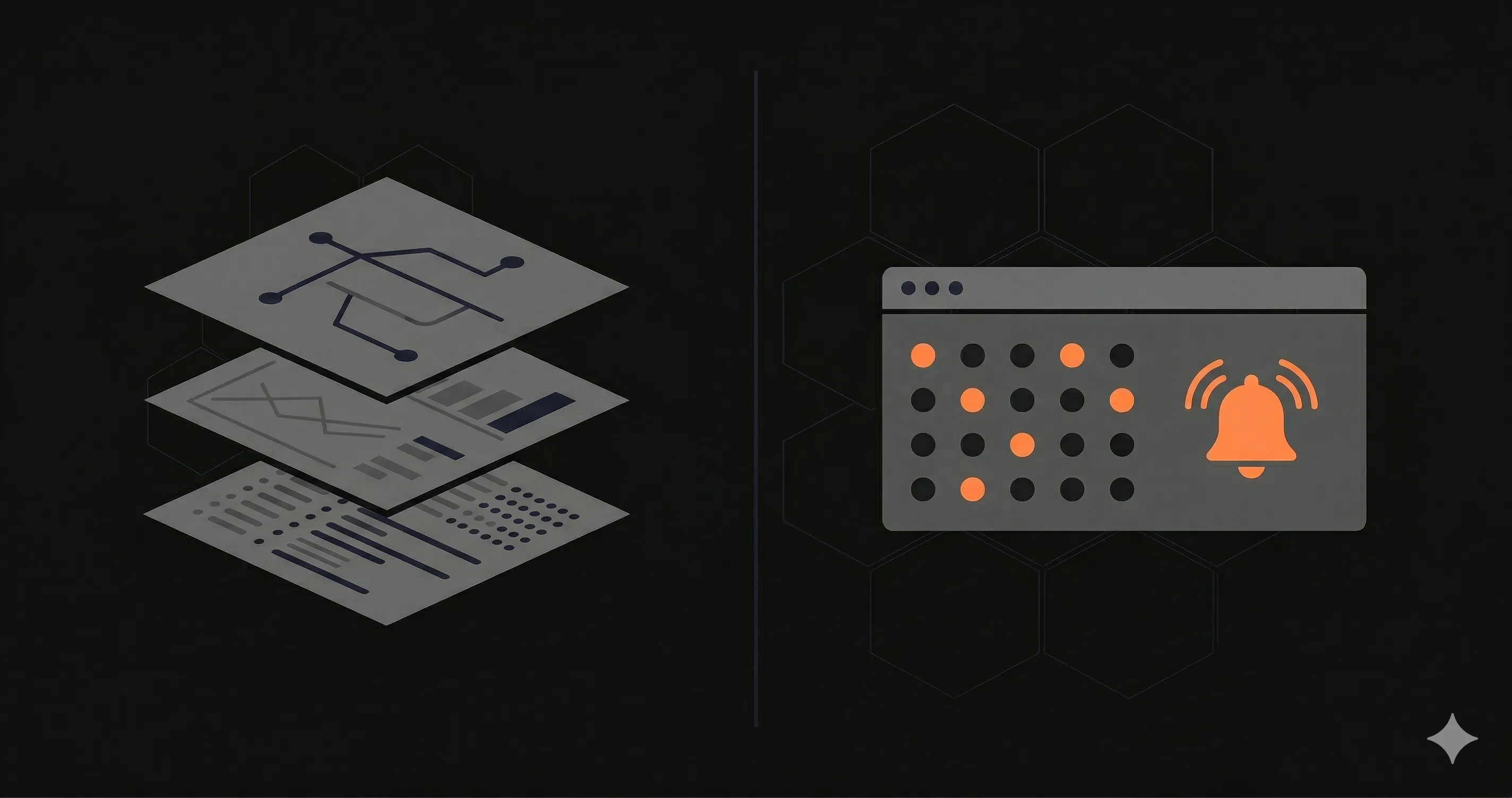
Search for "observability vs monitoring" and you will find dozens of articles that make observability sound like a mandatory upgrade. Vendors pitch it as the next evolution, the thing every serious engineering team needs. But here is the uncomfortable truth: most teams do not need observability. They need monitoring that actually works.
This guide breaks down what monitoring and observability actually mean, how they differ in practice, and how to decide which approach fits your team. No vendor hype. No buzzword dressing. Just a pragmatic framework you can use today.
If you are already monitoring your APIs and want to sharpen your setup, our endpoint monitoring guide covers the fundamentals in detail.
What Is Monitoring?
Monitoring is the practice of collecting, analyzing, and alerting on predefined metrics to answer known questions about your system. It deals with known-unknowns -- things you know could go wrong, so you set up checks in advance.
A monitoring system answers questions like:
- Is my API responding with a 200 status code?
- Is response time under 500ms?
- Is my SSL certificate about to expire?
- Is my database connection pool above 80% utilization?
The workflow is straightforward: you define a metric, set a threshold, and configure an alert. When the metric crosses the threshold, someone gets notified. This is the foundation of operational reliability for every software team, from a single developer running a Next.js app on Vercel to a platform team managing hundreds of services.
Core components of monitoring:
- Health checks -- Periodic HTTP requests to verify that endpoints are alive and responding correctly. Tools like Nurbak Watch send checks from multiple global regions every 1-5 minutes and measure DNS, TLS, TTFB, and total response time.
- Metrics collection -- Numeric time-series data: request count, error rate, CPU usage, memory consumption. These are aggregated and stored for trend analysis.
- Alerting -- Notifications sent via email, Slack, SMS, or webhooks when a metric breaches a defined threshold. The goal is to detect incidents before your users do.
- Dashboards -- Visual representations of system health. A good dashboard shows the current state at a glance and lets you drill into historical data.
Monitoring is reactive by design. You decide what to watch, and the system tells you when those specific things break. This is not a weakness -- it is a feature. For the vast majority of applications, knowing whether your endpoints are up, fast, and returning correct responses is exactly what you need.
What Is Observability?
Observability is the ability to understand the internal state of a system by examining its external outputs. It deals with unknown-unknowns -- problems you could not have predicted, so you could not have set up alerts for them in advance.
An observable system answers questions like:
- Why are 2% of requests to /checkout taking 8 seconds, but only on Tuesdays?
- Which downstream service is causing the latency spike in our payment flow?
- A user in Brazil reports slow load times -- what is different about their request path compared to users in the US?
- We deployed version 3.2.1 and error rates increased by 0.5% -- which specific code change caused it?
Observability is built on three pillars:
1. Logs
Timestamped, immutable records of discrete events. Structured logs (JSON format) are far more useful than unstructured text because they can be queried, filtered, and correlated programmatically. A good log entry includes a timestamp, severity level, service name, request ID, and relevant context.
2. Metrics
Numeric measurements aggregated over time intervals. The most common framework is RED (Rate, Errors, Duration) for request-driven services and USE (Utilization, Saturation, Errors) for resource-driven systems. Metrics are cheap to store and fast to query, making them the backbone of dashboards and alerts.
3. Traces
End-to-end records of a single request as it propagates through multiple services. A trace shows you that a request hit the API gateway, then the auth service, then the orders service, then the payment provider, and finally the database -- with timing for each hop. Distributed tracing tools like OpenTelemetry, Jaeger, and Zipkin make this possible across service boundaries.
The key difference from monitoring is the ability to ask arbitrary questions. With monitoring, you can only answer questions you anticipated. With observability, you can explore system behavior in ways you did not plan for, because the raw telemetry data is rich enough to support ad-hoc investigation.
Key Differences: Observability vs Monitoring
The following table summarizes the practical differences between the two approaches:
| Dimension | Monitoring | Observability |
|---|---|---|
| Core question | Is something broken? | Why is it broken? |
| Problem type | Known-unknowns | Unknown-unknowns |
| Data approach | Predefined metrics and thresholds | High-cardinality telemetry (logs, metrics, traces) |
| Investigation style | Dashboard-driven, alert-driven | Exploratory, query-driven |
| Setup complexity | Low -- minutes to hours | High -- days to weeks of instrumentation |
| Cost | $0-$100/month for most teams | $500-$50,000+/month depending on data volume |
| Team requirement | Any developer can set up and use | Requires dedicated platform or SRE expertise |
| Best for | Uptime, performance baselines, SLA compliance | Debugging distributed systems, root cause analysis |
Notice that cost and complexity are dramatically different. A monitoring tool like Nurbak Watch costs $29/month and takes five minutes to set up. A full observability stack with Datadog or New Relic can easily cost thousands per month and requires significant engineering investment to instrument properly.
When You Only Need Monitoring
Monitoring is the right choice when your system is simple enough that you can predict most failure modes. This applies to more teams than the industry wants to admit.
You probably only need monitoring if:
- You have fewer than 20 endpoints. With a small API surface, the number of things that can go wrong is limited. Health checks, response time tracking, and error rate alerts cover the vast majority of incidents.
- Your team has fewer than 10 engineers. Small teams can hold the entire system architecture in their heads. When something breaks, you usually know where to look because one or two people built it.
- You run a monolith or a simple architecture. A single Next.js application deployed to Vercel, a Rails app on Render, or a Django app on Railway does not have the distributed complexity that makes observability necessary.
- Your debugging workflow is "check logs, check metrics, deploy fix." If your incident response rarely requires correlating data across multiple services, monitoring gives you everything you need.
- You are optimizing for cost. Early-stage startups and indie developers should spend their budget on building features, not on observability infrastructure they do not yet need.
For teams in this category, a tool like Nurbak Watch provides multi-region health checks, detailed performance metrics (DNS, TLS, TTFB, P95 latency), and alerts via Slack, email, and WhatsApp. That is comprehensive monitoring for $29/month or less. See our comparison of the best uptime monitoring tools for more options.
When You Need Observability
Observability becomes necessary when your system is complex enough that you cannot predict all failure modes, and debugging requires correlating data across multiple services.
You need observability if:
- You run 10+ microservices. When a single user request touches five or more services, understanding where latency or errors originate requires distributed tracing.
- Your team has 50+ engineers. At this scale, no single person understands the entire system. Engineers need self-serve investigation tools to debug issues in services they did not build.
- You spend significant time on cross-service debugging. If your incident response regularly involves SSHing into multiple servers, grepping through logs from different services, and correlating timestamps manually, observability tooling will dramatically reduce your mean time to resolution (MTTR).
- You have strict SLOs that require deep analysis. Meeting a 99.99% SLA on a distributed system requires understanding the long tail of latency, which means you need trace data and high-cardinality metrics.
- You are in a regulated industry. Financial services, healthcare, and other regulated industries often require detailed audit trails and the ability to reconstruct the exact path of any transaction.
At this level of complexity, tools like Datadog, New Relic, and Honeycomb provide the deep instrumentation, query capabilities, and visualization needed to manage a distributed system effectively. If you are evaluating observability platforms, our Datadog alternatives guide covers the major options.
The Pragmatic Middle Ground
The observability vs monitoring debate often presents a false binary. In practice, the best approach is layered:
Layer 1: External monitoring (start here). Set up health checks for every public endpoint. Monitor response time, status codes, and SSL expiration from multiple regions. This is your early warning system and should be the first thing you configure for any new service. Tools: Nurbak Watch, UptimeRobot, Better Stack.
Layer 2: Application metrics. Add basic instrumentation to track request rate, error rate, and response time (the RED method) for your most critical endpoints. Most frameworks have built-in or easy-to-add metrics middleware. Tools: Prometheus + Grafana, application framework metrics.
Layer 3: Structured logging. Ensure all services emit structured JSON logs with request IDs, user IDs, and relevant context. Use a centralized log aggregation service so you can search across services. Tools: Loki, CloudWatch Logs, Papertrail.
Layer 4: Distributed tracing (add when needed). When cross-service debugging becomes a regular time sink, instrument your services with OpenTelemetry and send traces to a backend. This is the most expensive and complex layer -- add it only when the debugging cost justifies it. Tools: Jaeger, Tempo, Datadog APM.
Most teams should be on Layer 1 or 2. Moving to Layer 3 and 4 should be driven by actual pain, not by vendor marketing. If you are not regularly spending hours debugging cross-service issues, you do not need distributed tracing yet.
Tool Landscape: Monitoring vs Observability Platforms
The following table maps common tools to where they fall on the monitoring-to-observability spectrum:
| Tool | Category | Best For | Starting Price |
|---|---|---|---|
| Nurbak Watch | Monitoring | API health checks, performance metrics, multi-region uptime | Free (3 endpoints) |
| UptimeRobot | Monitoring | Simple uptime checks, large free tier | Free (50 monitors) |
| Better Stack | Monitoring + Incident Management | Uptime, on-call scheduling, status pages | Free (limited) |
| Prometheus + Grafana | Monitoring + Metrics | Self-hosted metrics collection and visualization | Free (self-hosted) |
| Datadog | Observability | Full-stack observability, APM, distributed tracing | $15/host/month |
| New Relic | Observability | APM, error tracking, distributed tracing | Free (100 GB/month) |
| Honeycomb | Observability | High-cardinality event analysis, debugging | Free (limited) |
| Grafana Cloud | Observability | Managed Prometheus, Loki, Tempo stack | Free (limited) |
Notice the pattern: monitoring tools are affordable and quick to set up. Observability platforms are powerful but come with significant cost and complexity. Choose based on your actual needs, not on where you think your system might be in two years.
Frequently Asked Questions
What is the main difference between observability and monitoring?
Monitoring tells you when something is wrong by tracking predefined metrics and thresholds. It deals with known-unknowns -- things you anticipated could fail. Observability helps you understand why something is wrong by letting you explore system behavior through logs, metrics, and traces. It handles unknown-unknowns -- problems you could not have predicted. Monitoring answers "is my API up?" while observability answers "why are 2% of requests to /checkout taking 8 seconds on Tuesdays?"
Do I need observability or monitoring for my API?
If you have fewer than 20 endpoints, a small team, and a monolithic or simple architecture, monitoring is almost certainly enough. You need observability when you run distributed microservices, have 50+ engineers, and spend significant time debugging cross-service issues. Most teams should start with monitoring and add observability tooling only when debugging costs justify the investment.
Can I have observability without monitoring?
Technically yes, but it is not practical. Monitoring is a subset of observability -- even fully observable systems need basic health checks and alerting to detect problems before users report them. The best approach is to build a solid monitoring foundation first (health checks, uptime alerts, response time tracking), then layer observability capabilities on top as your system complexity grows.
What are the three pillars of observability?
The three pillars are logs (timestamped records of discrete events), metrics (numeric measurements aggregated over time, such as request rate, error rate, and latency), and traces (end-to-end records of a request as it flows through multiple services). Together, they let engineers ask arbitrary questions about system behavior without deploying new instrumentation. OpenTelemetry is the leading open-source standard for collecting all three signal types.