

If your company handles payroll details, customer records, health information, or even employee onboarding data, you are processing personal information every day. In a hybrid‑remote world, the biggest risks rarely start with exotic hacks. They usually begin with ordinary workflows, like pasting a Social Security number into email, saving a recovery code in a chat, or exporting a CSV that lives on a laptop for months. The good news is that protecting personal information at work is mostly about disciplined habits, clear policies, and the right tools for short, safe data flows.
Below are seven practical ways any team can reduce exposure without slowing work down.
What counts as personal information at work
Personal information is broader than many people assume. NIST defines Personally Identifiable Information as data that can be used to distinguish or trace an individual, alone or when combined with other data, and recommends minimizing collection and retention to reduce harm. See the NIST Guide to Protecting the Confidentiality of PII for details (NIST SP 800‑122). Under the GDPR, data protection principles like data minimization and storage limitation require that you collect only what is necessary and keep it only as long as needed (GDPR Article 5).
At work, this includes:
- Employee records, payroll and tax IDs, addresses, personal emails, emergency contacts
- Customer names, IDs, emails, phone numbers, support tickets with private context
- Financial data like bank accounts, invoices tied to individuals, credit card numbers
- Credentials and recovery codes that allow access to personal accounts
1. Minimize and classify data before you collect it
The easiest data to protect is the data you never collect. Start with a lightweight inventory of the personal information you handle, then apply retention by default. Identify which items are truly required for a process, and remove optional fields that creep into forms and tickets.
Practical steps:
- Classify by sensitivity and set a time to live for each category, for example, delete ID scans within 7 days of verification.
- Stop placing PII in long‑lived systems such as email archives and chat history. If you need to transmit a sensitive snippet, use an ephemeral, encrypted one‑time link so there is no durable copy in your mailbox or DMs.
- Update policy language so data minimization and storage limitation are explicit obligations for all teams.
2. Turn on strong authentication everywhere
Most breaches still begin with stolen credentials or social engineering. Independent reports like the Verizon Data Breach Investigations Report consistently show that credential theft and phishing are leading root causes (Verizon DBIR). You can cut this risk dramatically by enforcing strong identity hygiene.
Practical steps:
- Prefer passkeys or phishing‑resistant MFA. If you use TOTP or SMS codes, protect and rotate recovery codes and never send them by email or chat.
- Require password managers for staff who still need passwords, and block reused or weak passwords.
- Remove dormant accounts quickly during offboarding, and routinely review admin privileges.
For recovery codes and temporary credentials, share them using one‑time links so they do not persist in tickets or chat logs. See our guide on how to share a secret with one‑time links.
3. Share sensitive data with zero‑knowledge, self‑destructing links
Email, chat, and ticketing tools create permanent, searchable logs. That is ideal for collaboration, not for personal data or credentials. Use client‑side encrypted, self‑destructing links so the provider cannot read the content, and the data disappears after use.
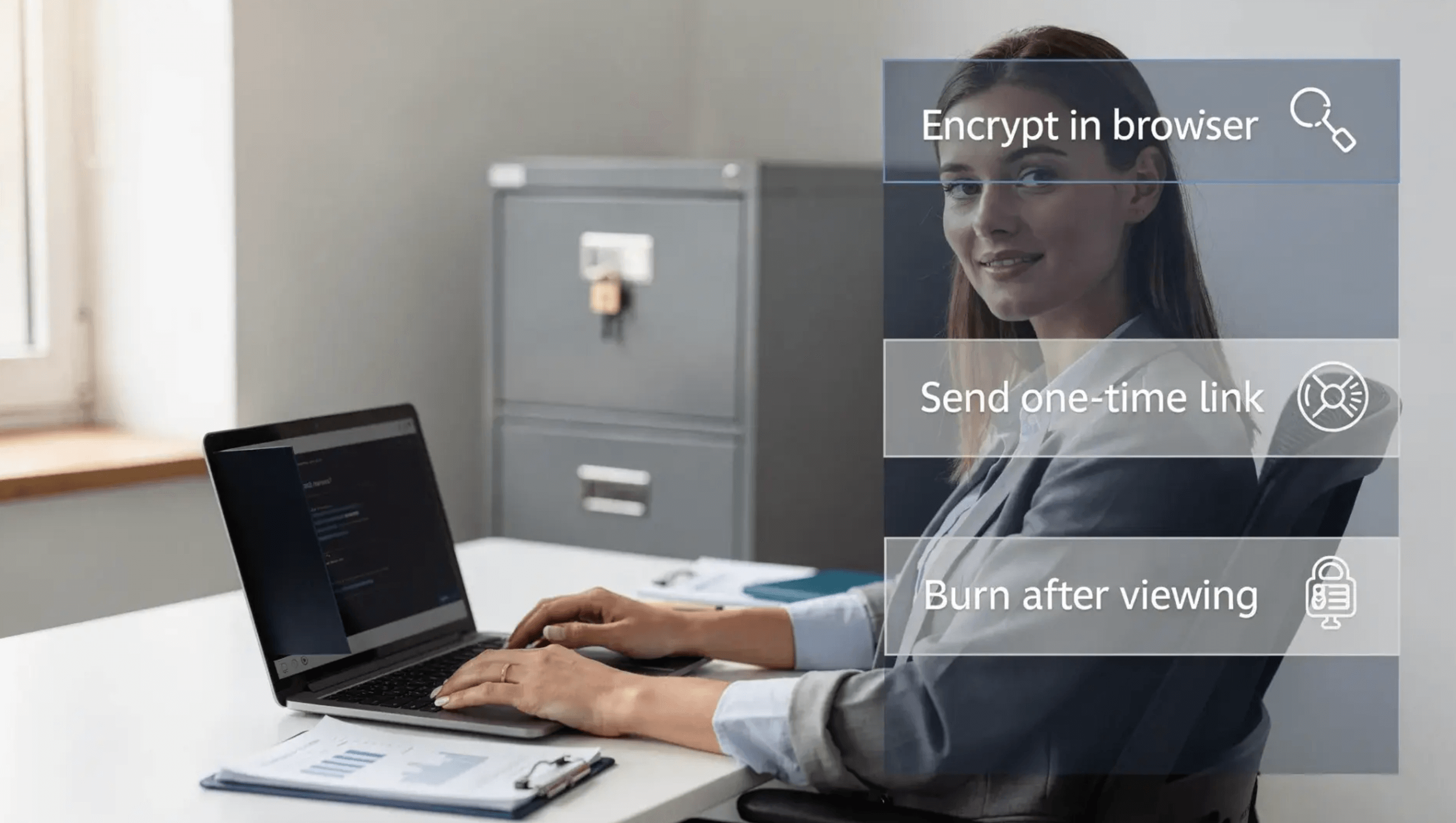
With Nurbak, secrets are encrypted in the browser with AES‑256 and the decryption key travels only in the URL fragment, not to the server. The content can be configured to burn after one view, so there is no trace left on your systems. Learn why client‑side encryption matters in our explainer on client‑side vs. server‑side encryption and our practical Data Encryption 101.
Quick workflow:
- Paste the sensitive item into Nurbak, set one‑time access and an expiration window.
- Share the link in your normal channel, and confirm retrieval via Nurbak’s access log for that item.
- Rotate or invalidate the source credential if applicable, then archive the conversation with only the dead link remaining.
This approach implements data minimization in practice, because your chat, email, and ticket archives no longer contain the sensitive data itself.
4. Secure endpoints and screens
Even the best encryption cannot help if a laptop is unlocked or compromised. Basic device hygiene is non‑negotiable for anyone handling personal information.
Practical steps:
- Enforce full‑disk encryption, automatic screen locks, and timely OS and browser updates.
- Use MDM or endpoint management to apply policies and enable remote wipe for lost devices. NIST provides guidance on managing mobile devices in the enterprise (NIST SP 800‑124).
- Avoid saving PII to local downloads or screenshots. If a download is required, store it in an encrypted drive and delete it immediately after use.
5. Reduce exposure in communications and logs
A surprising amount of personal information leaks into collaboration tools and observability systems. Preventing that requires both technical controls and habit changes.
Practical steps:
- Add DLP rules for email and chat to flag or block common PII patterns.
- Disable or limit link previews for sensitive channels. Previews can fetch content and sometimes cache it.
- Mask PII in logs and analytics. The OWASP Top 10 highlights both cryptographic failures and inadequate logging practices as recurring issues (OWASP Top 10).
- Keep conversation and data transfer separate. Discuss context in chat, send the sensitive value via an ephemeral one‑time link.
6. Apply least privilege and share by reference
Limit who can access personal information, and for how long. Instead of attaching data everywhere, use short‑lived references that expire.
Practical steps:
- Grant access on a need‑to‑know basis, and review access lists regularly, especially for HR and finance folders.
- Prefer share by reference, not by copy. For example, share a one‑time Nurbak link rather than attaching a document that will live in multiple inboxes forever.
- Use audit trails to prove who accessed what and when. Nurbak provides metadata‑level access logs for one‑time links, without storing the secret itself, which helps teams evidence proper handling without increasing exposure.
7. Train people to verify before sending
Attackers often impersonate colleagues to request sensitive information. Your best defense is a culture that normalizes verification and safe reporting.
Practical steps:
- For any high‑risk request, verify the requester via a second channel, for example, a quick voice call or an internal directory lookup.
- Bake short micro‑trainings into onboarding and refreshers, covering phishing telltales and how to share personal information safely.
- Make it easy to report incidents without blame so teams escalate quickly when something feels off.
A quick example: sending bank details to payroll safely
- Employee provides bank info through a secure internal form or in person. No screenshots or email attachments.
- HR encrypts the data in Nurbak, sets burn after one view and a short expiration.
- HR posts the one‑time link to payroll in the ticket. Payroll opens it, copies the data into the payroll system, and confirms receipt.
- The link self‑destructs. HR closes the ticket with only the dead link visible, meeting storage limitation by design.
Quick reference table
| Practice | Why it protects personal info | Typical owner |
|---|---|---|
| Minimize and classify | Less data collected and shorter retention means fewer targets and simpler compliance | Privacy lead, HR, Ops |
| Strong authentication | Reduces credential theft and account takeover risk | IT/Sec |
| Zero‑knowledge one‑time links | No persistent copies in email or chat, provider cannot read content | HR, Finance, Support, Engineering |
| Secure endpoints | Stops local leaks and theft from lost or compromised devices | IT |
| DLP and log hygiene | Prevents accidental PII in communications and observability | IT, DevOps |
| Least privilege and share by reference | Limits who can see data and for how long, with auditability | Team managers, IT |
| Verification training | Defeats impersonation and social engineering | Everyone |
Helpful resources
- NIST Guide to Protecting the Confidentiality of PII, high‑level principles and controls (SP 800‑122)
- GDPR Article 5, data minimization and storage limitation (EUR‑Lex)
- Verizon Data Breach Investigations Report, trends on credential theft and social engineering (DBIR)
- OWASP Top 10, common failure patterns that contribute to data exposure (OWASP)
- How client‑side encryption works in practice, our guide on client‑side vs. server‑side encryption
Frequently Asked Questions
Is it ever acceptable to email personal information internally? Only as a last resort. Email creates durable copies in sent, inbox, and archives, sometimes with automated backups. If you must transmit PII, prefer a one‑time, client‑side encrypted link that self‑destructs after use.
What should I do if I accidentally pasted PII into a chat or ticket? Delete the message immediately, notify your security or privacy lead, and re‑transmit the information using an ephemeral, encrypted method. If feasible, rotate any associated credentials.
Are one‑time links safe for non‑technical recipients? Yes, when designed with client‑side encryption and simple UX. The recipient opens a link, views the data once, and the content disappears. Our primer explains the pattern in plain language, see how to share a secret with one‑time links.
How long should we keep personal information? Keep it only as long as necessary for the stated purpose. Map each category to a concrete retention window, then implement automatic deletion. GDPR Article 5 and NIST PII guidance both emphasize storage limitation.
What about API keys or recovery codes, are those personal information? They are not PII in the strict legal sense, but exposing them can lead to personal data exposure or account takeover. Treat them with equal or greater care. Use one‑time encrypted links and rotate after use. See our guide on the safest way to share an API key.
Protect personal information at work with zero trace
Nurbak helps teams deliver sensitive information without leaving copies behind. Secrets are encrypted locally with AES‑256, shared as one‑time access links, and permanently deleted after they are read. The service follows a zero‑knowledge design, does not store plaintext or content logs, and gives your admins an audit dashboard and access analytics to verify proper handling while staying compliant.
If you are ready to reduce exposure in email, chat, and tickets, try Nurbak for your next handoff. Send your next password, recovery code, bank detail, or ID number with a self‑destructing link, and leave no trace in your archives.