
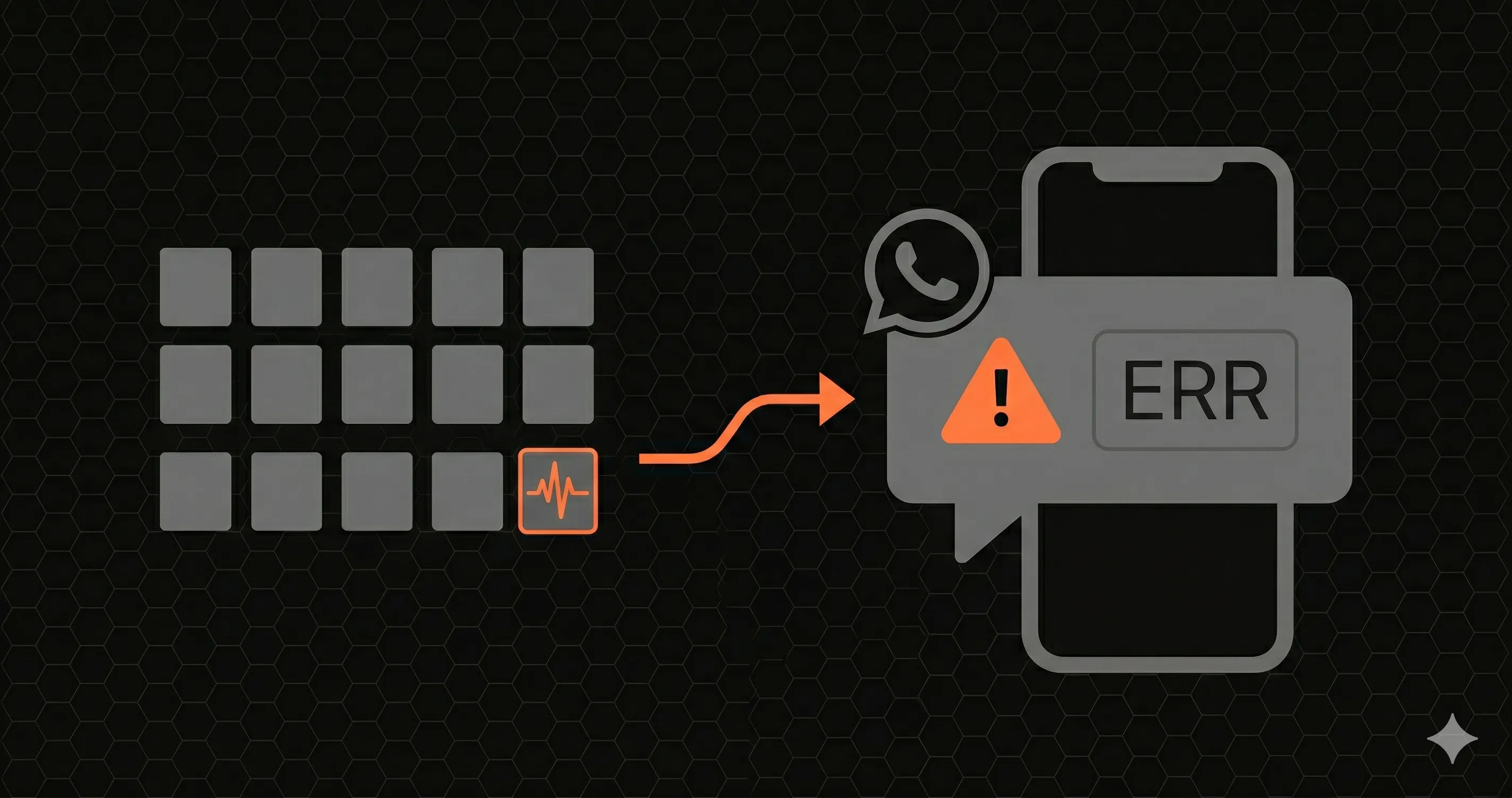
Your /api/checkout endpoint started returning 500 errors at 2:47 AM. Your monitoring tool sent an email alert at 2:48 AM. You read that email at 8:15 AM — five and a half hours later.
By then, 2,340 checkout requests had failed. Your Stripe webhook queue was backed up. Three customers had tweeted about it. Your co-founder found out from a customer support ticket, not from your monitoring system.
The monitoring worked. The alert channel didn't.
This article is about fixing that. Specifically: how to get a WhatsApp message on your phone within 10 seconds of your API going down, using your existing Next.js app and 5 lines of code.
Why Email Alerts Fail at 3 AM
Email is where alerts go to die. The numbers are brutal:
- Average open rate for transactional email: 20-25%. That means 3 out of 4 alerts are never read.
- Gmail's Promotions/Updates tab catches most automated emails. Your "CRITICAL: API Down" alert sits between a Figma notification and a Vercel deploy summary.
- Do Not Disturb mode silences email notifications on most phones by default. If your API goes down at night, you won't hear it.
- Batching. iOS and Android batch non-priority notifications. Your alert might arrive in a notification summary at 7 AM alongside 40 other emails.
Email works for reports, summaries, and non-urgent notifications. It does not work for "your payment endpoint is down right now."
Why Slack Isn't the Answer Either
Slack is better than email — but it has its own problems for critical alerts:
- Channel noise. If your
#alertschannel also has deploy notifications, CI results, and bot messages, real alerts get buried. Teams with more than 10 channels develop notification blindness fast. - Mobile notifications are unreliable. Slack's mobile app aggressively batches notifications. "Read in Slack" reminders arrive minutes to hours late.
- Requires the app to be installed. Not everyone on your team has Slack on their phone. Contractors, part-time developers, and founders who wear multiple hats often miss Slack alerts entirely outside work hours.
- DND and Focus modes. Slack respects system DND on iOS and Android. At 3 AM, your phone is silent.
Slack is great for team communication and non-critical alerts. For "wake me up at 3 AM," you need something that bypasses every notification filter on the phone.
WhatsApp: The Alert Channel That Actually Gets Read
WhatsApp has a unique position on most developers' phones:
- 98% open rate. Messages are read, not filtered.
- Average read time: under 3 minutes. Most messages are read within seconds when the phone is active.
- Bypasses DND on most configurations. WhatsApp is typically whitelisted in DND and Focus modes because people use it for family and personal communication.
- No app fatigue. You already have WhatsApp. You already check it 50 times a day. There's no new app to install.
- Works globally. 2 billion users across 180 countries. Your developer in Buenos Aires, your contractor in Lagos, and your co-founder in Berlin all have it.
When your API goes down at 3 AM, a WhatsApp message is the difference between "fixed in 5 minutes" and "found out 5 hours later."
The DIY Approach: Building WhatsApp Alerts from Scratch
If you wanted to build this yourself, here's what's involved:
Option A: Twilio WhatsApp API
// You'd need:
// 1. A Twilio account ($15/month minimum)
// 2. A WhatsApp Business API approval (days to weeks)
// 3. A Twilio phone number ($1/month + $0.005/message)
// 4. Message template approval from Meta (required for proactive messages)
// 5. Your own monitoring logic to detect failures

import twilio from 'twilio'

const client = twilio(
  process.env.TWILIO_ACCOUNT_SID,
  process.env.TWILIO_AUTH_TOKEN
)

async function sendWhatsAppAlert(message: string, to: string) {
  await client.messages.create({
body: message,
from: 'whatsapp:+14155238886', // Your Twilio WhatsApp number
to: `whatsapp:${to}`,
  })
}

// But who calls this function? You still need:
// - A health check system that detects failures
// - A deduplication system (don't send 500 alerts for the same outage)
// - A recovery notification ("your API is back up")
// - Rate limiting (WhatsApp has strict message limits)
// - Template management (Meta requires pre-approved templates)
That's a lot of infrastructure for "tell me when my API is down."
Option B: Webhook chain
Some teams chain together UptimeRobot (free) + Zapier ($20/month) + Twilio to get WhatsApp alerts. This works, but:
- Three services to maintain and monitor (who monitors the monitor?)
- Zapier adds 1-5 minutes of delay per trigger
- Total cost: $35+/month before you send a single message
- Breaks when any link in the chain changes their API
Both approaches solve the delivery problem but create a maintenance problem. You're building monitoring infrastructure instead of your product.
The Simple Way: Nurbak Watch + WhatsApp in 5 Minutes
Nurbak Watch includes WhatsApp alerts as a first-class feature. No Twilio, no Zapier, no webhook chains.
Step 1: Install the SDK
npm install @nurbak/watchStep 2: Add instrumentation
// instrumentation.ts
import { initWatch } from '@nurbak/watch'

export function register() {
  initWatch({
apiKey: process.env.NURBAK_WATCH_KEY,
  })
}
Step 3: Configure WhatsApp in the dashboard
In the Nurbak dashboard:
- Go to Settings > Alert Channels
- Click Add WhatsApp
- Enter your phone number
- Verify with a one-time code
- Choose which alerts go to WhatsApp (downtime, high latency, error spikes)
Step 4: Deploy
That's it. When your /api/checkout starts returning errors:
- 0-10 seconds: Nurbak detects the failure from inside your server
- 10-15 seconds: Alert is sent to WhatsApp
- 15-20 seconds: Your phone buzzes with a message like:
🔴 API Alert — yourapp.com

Endpoint: /api/checkout
Status: DOWN (HTTP 500)
Error rate: 94% (last 60s)
Started: 2:47 AM UTC

Dashboard: https://watch.nurbak.com/incidents/abc123
When the endpoint recovers, you get a follow-up:
🟢 Resolved — yourapp.com

Endpoint: /api/checkout
Status: UP (HTTP 200)
Duration: 4m 23s
Resolved: 2:51 AM UTC
No Twilio account. No message templates. No webhook chains. It just works.
Alert Channel Comparison: Pick the Right One
Most teams use a combination. Here's how to think about it:
| Channel | Best for | Delivery speed | Read rate | 3 AM reliability |
|---|---|---|---|---|
| Critical: downtime, payment failures | < 15 seconds | 98% | High — bypasses most DND | |
| Slack | Team awareness, non-critical alerts | < 30 seconds | ~60% | Low — silenced by DND |
| Reports, weekly digests, audit trails | 30s - 5 min | ~20% | Very low — batched/filtered | |
| SMS | Backup for WhatsApp, regions without WhatsApp | < 30 seconds | ~90% | High — but carrier dependent |
Recommended setup for a small team:
- WhatsApp for the on-call developer (critical alerts only)
- Slack for the team channel (all alerts for visibility)
- Email for weekly uptime reports and compliance records
With Nurbak Watch, you configure all three in the dashboard. Each alert rule can have different channels — so /api/checkout goes to WhatsApp, while /api/analytics goes to Slack only.
Alerts That Don't Spam You
The fastest alert in the world is useless if you get 200 of them during a single outage. Nurbak Watch includes built-in alert intelligence:
- Deduplication: One alert per incident, not one per failed request. If
/api/checkoutfails 500 times in 3 minutes, you get one WhatsApp message — not 500. - Recovery notifications: Automatic "resolved" message when the endpoint comes back, with incident duration.
- Cooldown periods: Configurable quiet periods between alerts for the same endpoint (default: 5 minutes).
- Severity routing: Send critical alerts (downtime) to WhatsApp, warnings (high latency) to Slack, and informational alerts (elevated error rate) to email.
You stay informed without being overwhelmed.
Get Started — Free During Beta
Nurbak Watch is in beta and free during launch. WhatsApp alerts are included — no add-on, no premium tier, no per-message charges.
- Go to nurbak.com and create an account
- Run
npm install @nurbak/watch - Add 5 lines to
instrumentation.ts - Add your WhatsApp number in the dashboard
- Deploy and sleep easy
Next time your API goes down at 3 AM, you'll know in 10 seconds — not 5 hours.