
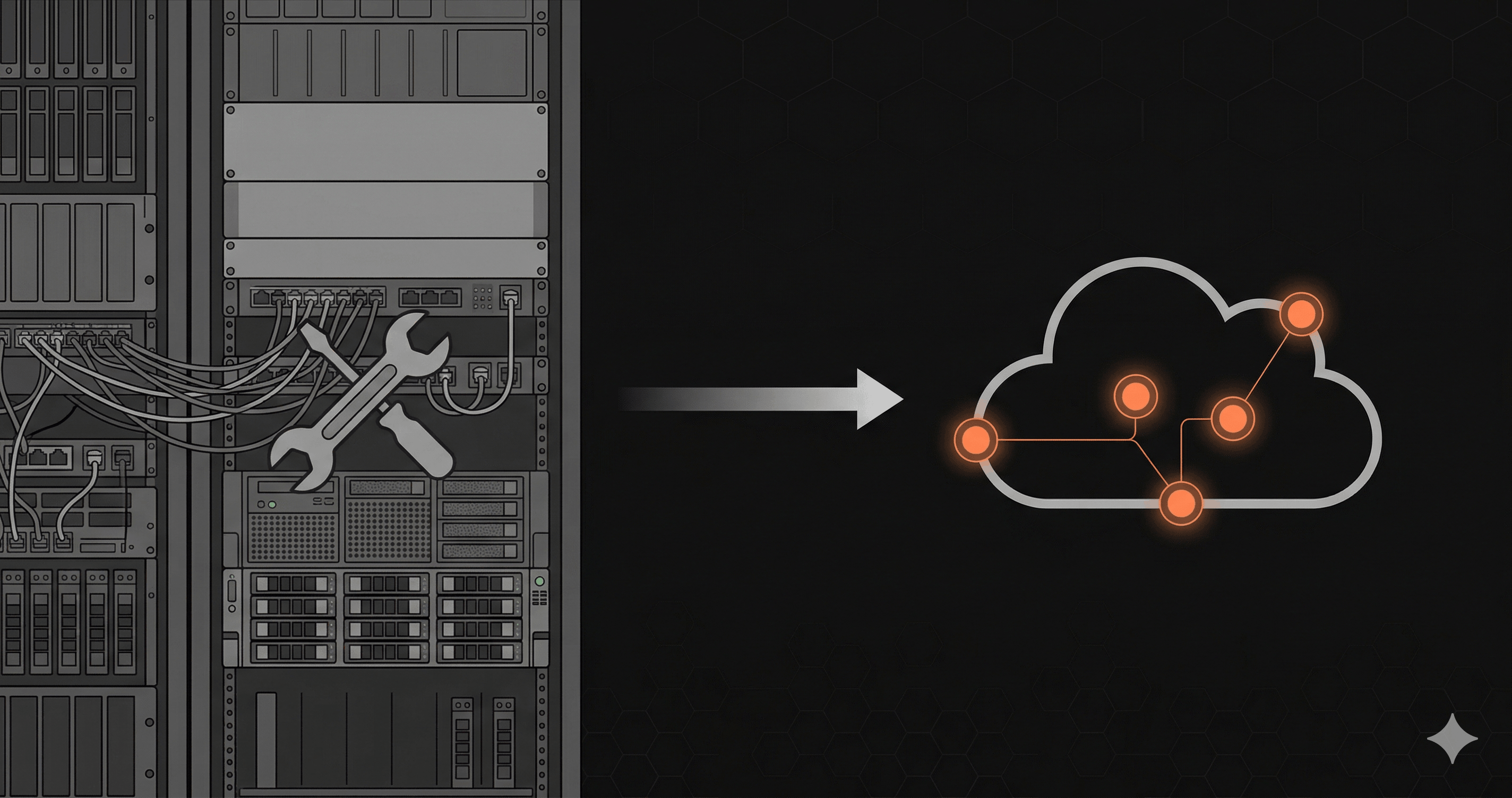
Uptime Kuma is, by almost any measure, the best open-source uptime monitoring tool available today. With 60,000+ GitHub stars, a clean and intuitive UI, Docker deployment, and support for HTTP, TCP, DNS, ping, and even game server monitoring, it's the gold standard for self-hosted monitoring.
If you're the kind of developer who self-hosts everything — Gitea instead of GitHub, Plausible instead of Google Analytics, Vaultwarden instead of Bitwarden — Uptime Kuma probably already has a place in your stack.
But self-hosting a monitoring tool creates a unique paradox: who monitors the monitor?
The Self-Hosting Trade-Off
There's a fundamental tension with self-hosted monitoring. Your monitoring tool is supposed to tell you when things are broken. But if the server running your monitoring tool goes down — or if the network path between that server and your API has an issue — you lose visibility at exactly the moment you need it most.
This isn't hypothetical. Common scenarios include:
- VPS provider outage — your $5/month DigitalOcean droplet goes down, taking your monitoring with it
- Disk full — Uptime Kuma's SQLite database grows until the disk fills up
- Update breaks things — a Docker image update introduces a bug
- Same-region blind spot — your monitoring server and your API are in the same datacenter, so a regional outage takes both down simultaneously
Managed monitoring services like Nurbak are built with redundancy. Multiple check locations, distributed infrastructure, and a team whose entire job is keeping the monitoring system available. Your monitoring stays up even when your infrastructure doesn't.
Single Region vs. Multi-Region
This is the biggest practical difference. Uptime Kuma monitors from wherever it's deployed — typically a single VPS in a single region. If you want to check your API from Europe, Asia, and the Americas, you need to deploy and manage multiple Uptime Kuma instances.
Nurbak checks from 4 regions on every interval:
- Virginia, US — North America
- São Paulo, Brazil — South America
- Paris, France — Europe
- Tokyo, Japan — Asia Pacific
This matters more than you might think. DNS propagation issues, CDN misconfigurations, and regional cloud provider outages are common. If your API is down in Europe but your Uptime Kuma instance is in Virginia, you won't know until European users start complaining.
Metrics Depth
Uptime Kuma tracks response time from its external perspective — the time between sending a request and receiving a response. This is useful but limited. It includes network latency between your monitoring server and your API, which may be significant depending on their relative locations.
Nurbak captures execution-time metrics from inside your application:
- P50 latency — median execution time
- P95 latency — 95th percentile (catches most slowdowns)
- P99 latency — 99th percentile (catches tail latency)
- DNS resolution time — how long DNS lookup takes per request
- TLS handshake time — SSL/TLS negotiation duration
- TTFB — Time to First Byte (server processing time)
These are the metrics that tell you how your API is actually performing, not just whether it's responding.
Cost Comparison
Uptime Kuma is free software. But "free" doesn't mean zero cost:
| Cost | Uptime Kuma | Nurbak |
|---|---|---|
| Software | $0 | $0-$99/mo |
| Hosting | $5-20/mo (VPS) | $0 (managed) |
| Multi-region | $15-60/mo (3-4 additional VPS) | Included |
| Maintenance time | 1-2 hrs/month | 0 |
| Total (single region) | $5-20/mo + time | $0-29/mo |
| Total (multi-region) | $20-80/mo + time | $0-29/mo |
For single-region monitoring, Uptime Kuma is cheaper in direct costs. For multi-region monitoring — which is what production APIs actually need — Nurbak is competitive or cheaper, with zero maintenance overhead.
Where Uptime Kuma Wins
- Full control — your data stays on your server, no third-party dependency
- 90+ notification services — vastly more integrations than any managed tool
- Protocol variety — TCP, DNS, ping, Docker containers, game servers, MQTT
- Customizability — open source, you can modify anything
- Internal monitoring — monitor services that aren't exposed to the internet
- No vendor lock-in — switch or modify freely
Where Nurbak Wins
- Multi-region by default — 4 locations, every check, every interval
- Zero ops — no server to maintain, update, or babysit
- Real execution metrics — P50/P95/P99 from inside your application
- DNS/TLS/TTFB breakdown — detailed per-request diagnostics
- Built-in redundancy — monitoring stays up when your infra is down
- WhatsApp alerts — critical for teams in LATAM, Europe, and Asia
The Best of Both Worlds
Many developers use both tools:
- Uptime Kuma for internal services — databases, queues, internal APIs that aren't publicly accessible
- Nurbak for production APIs — external-facing endpoints that need multi-region monitoring and real latency tracking
This gives you full-stack visibility without over-engineering either side.
The Verdict
Uptime Kuma is an outstanding tool. If you enjoy self-hosting, need to monitor internal services, or want maximum control over your monitoring stack, it's the right choice.
But for production API monitoring specifically — where multi-region coverage, real latency percentiles, and zero maintenance matter — Nurbak provides capabilities that would require significant effort to replicate with self-hosted infrastructure.
The question isn't which is "better." It's which is the right tool for each job.
Try Nurbak free:Set up multi-region API monitoring in 5 minutes — no server required. Or compare features on our Uptime Kuma alternative page.