
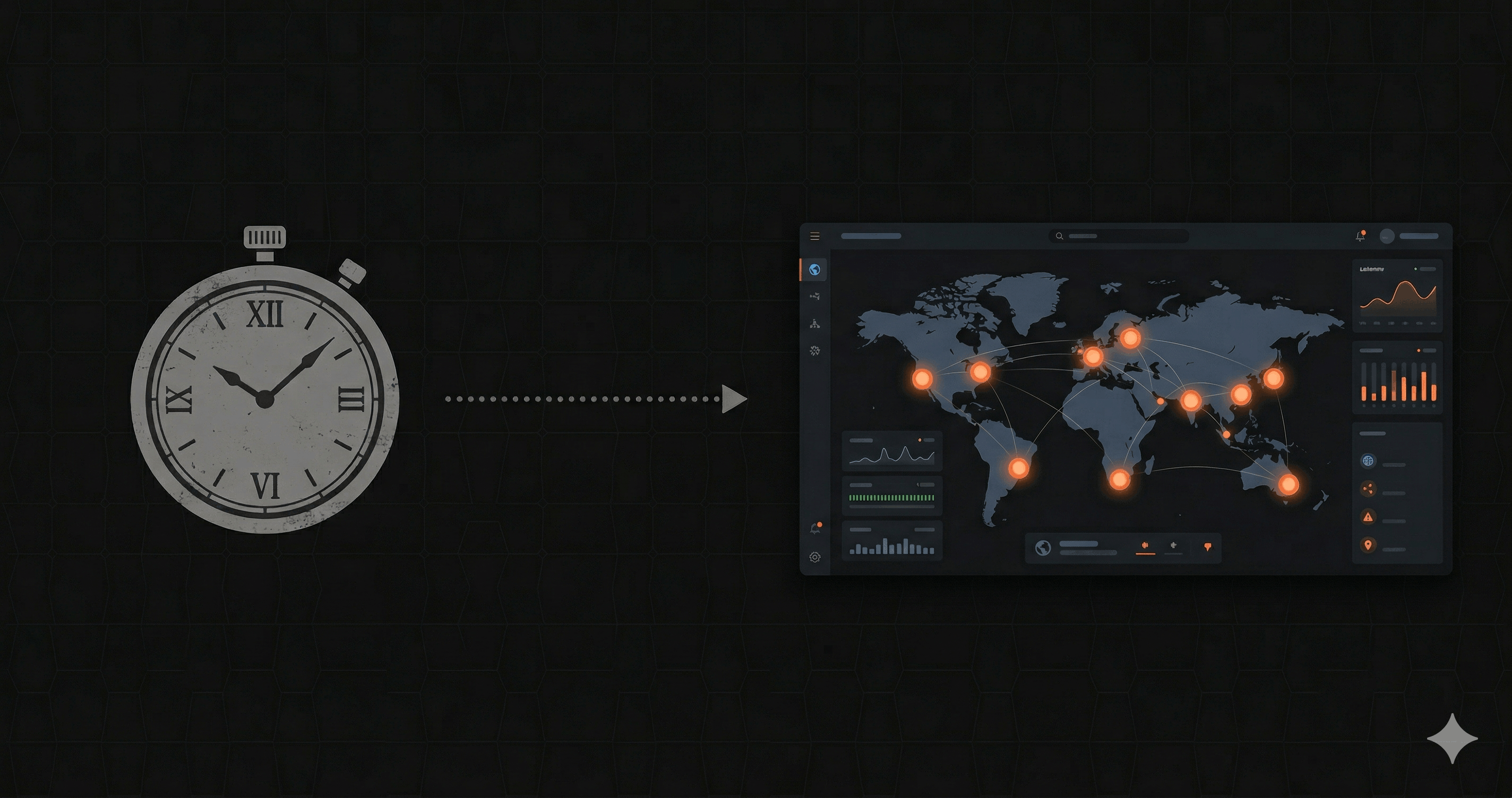
If you've been in the web development world for any length of time, you've probably heard of Pingdom. Launched in 2007 and now part of SolarWinds, it's one of the oldest and most recognized names in uptime monitoring.
But here's the thing: Pingdom was built for a different era. It was designed to check if websites were up — before APIs became the backbone of modern applications, before Next.js, before serverless. The question isn't whether Pingdom works. It's whether it's the right tool for what developers need today.
In this comparison, we'll look at how Nurbak and Pingdom differ for API monitoring — and help you decide which makes sense for your stack.
The Core Difference: Pings vs. Real Metrics
Pingdom's monitoring model is straightforward: it sends HTTP requests from external servers at regular intervals and checks if the response comes back with a 200 status code. If it doesn't, you get an alert.
This works well for answering the question "Is my website up?" But it falls short for API monitoring because:
- Response time ≠ execution time. Pingdom measures the round-trip time of a synthetic request. That includes network latency between Pingdom's servers and yours, which tells you very little about how fast your API actually processes requests.
- No latency percentiles. You get an average response time, but not P50, P95, or P99 — the metrics that actually reveal performance degradation.
- No request breakdown. You can't see how much time is spent on DNS lookup, TLS handshake, or server processing separately.
Nurbak takes a different approach. Instead of synthetic pings, it instruments your application to capture real execution metrics. You get P50/P95/P99 latency from actual requests, with a full breakdown of DNS, TLS, and TTFB — the same numbers your users experience.
Setup and Developer Experience
Pingdom's setup is dashboard-driven. You log in, enter a URL, configure check intervals and alert contacts, and you're done. It's simple, but it's also manual — you need to add each endpoint individually through the UI.
Nurbak's setup is code-driven:
import { initWatch } from '@nurbak/watch'

export function register() {
  initWatch({
    apiKey: process.env.NURBAK_WATCH_KEY,
  })
}
Five lines in your instrumentation.ts file. The SDK discovers your API routes automatically and starts reporting. No manual endpoint configuration, no dashboard clicks per route.
For developers who prefer code over GUIs, this is a significant difference. Your monitoring configuration lives in your codebase, version-controlled alongside your application.
Multi-Region Monitoring
Both Pingdom and Nurbak support monitoring from multiple locations. Pingdom lets you select from a list of probe locations when configuring each check. Nurbak runs health checks from 4 regions simultaneously by default: Virginia, São Paulo, Paris, and Tokyo.
The difference is subtle but important. With Pingdom, you choose where to monitor from. With Nurbak, every endpoint is checked from all 4 regions on every interval. This means you automatically detect regional issues — a CDN misconfiguration affecting Europe, a DNS propagation delay in Asia — without having to think about probe selection.
Pricing Comparison
| Plan | Pingdom | Nurbak |
|---|---|---|
| Free | 14-day trial only | 3 endpoints, 5-min checks, 1 region, email alerts |
| Entry | $15/mo — 10 checks, 1-min interval | $29/mo — 20 endpoints, 1-min checks, 4 regions |
| Mid | $39/mo — 50 checks | $29/mo (same plan covers 20 endpoints) |
| Advanced | $79/mo — 100 checks + transaction monitoring | $99/mo — unlimited projects, 100 endpoints, team features |
Pingdom's pricing is lower at the entry level, but it only gives you synthetic uptime checks. For API monitoring with real latency percentiles, multi-region checks from 4 locations, and alerts via Slack, WhatsApp, and SMS, Nurbak's $29/month Pro plan provides significantly more value.
Alert Channels
Both tools support the essential channels:
- Pingdom: Email, Slack, SMS, PagerDuty, webhooks, and various integrations through their marketplace.
- Nurbak: Email, Slack, WhatsApp, and SMS.
Pingdom has more integration options overall. Nurbak includes WhatsApp — which is particularly valuable for teams in Latin America, Europe, and Asia where WhatsApp is the primary communication tool. For most developer teams, both cover the critical alerting paths.
When to Use Pingdom
- You need to monitor website uptime (not specifically APIs)
- You want page speed monitoring with waterfall analysis
- You need real user monitoring (RUM) for frontend performance
- You need transaction monitoring (multi-step browser flows)
When to Use Nurbak
- You're monitoring Next.js API routes or REST endpoints
- You need real latency percentiles (P50/P95/P99), not just response time
- You want multi-region checks by default without manual probe configuration
- You prefer code-driven setup over dashboard configuration
- You need a free tier that doesn't expire after 14 days
The Verdict
Pingdom is a solid, battle-tested uptime monitor. If you need to know whether a URL is responding, it does the job. But it wasn't designed for the kind of API monitoring that modern developers need — latency percentiles, execution-time metrics, automatic multi-region checks.
Nurbak is purpose-built for API monitoring. It gives you deeper metrics, a developer-friendly setup, and multi-region coverage at a competitive price point. If your primary concern is API health, it's the better fit.
Ready to try it?Start monitoring your APIs for free — no credit card required. Or check our detailed Pingdom alternative page for a full feature comparison.