
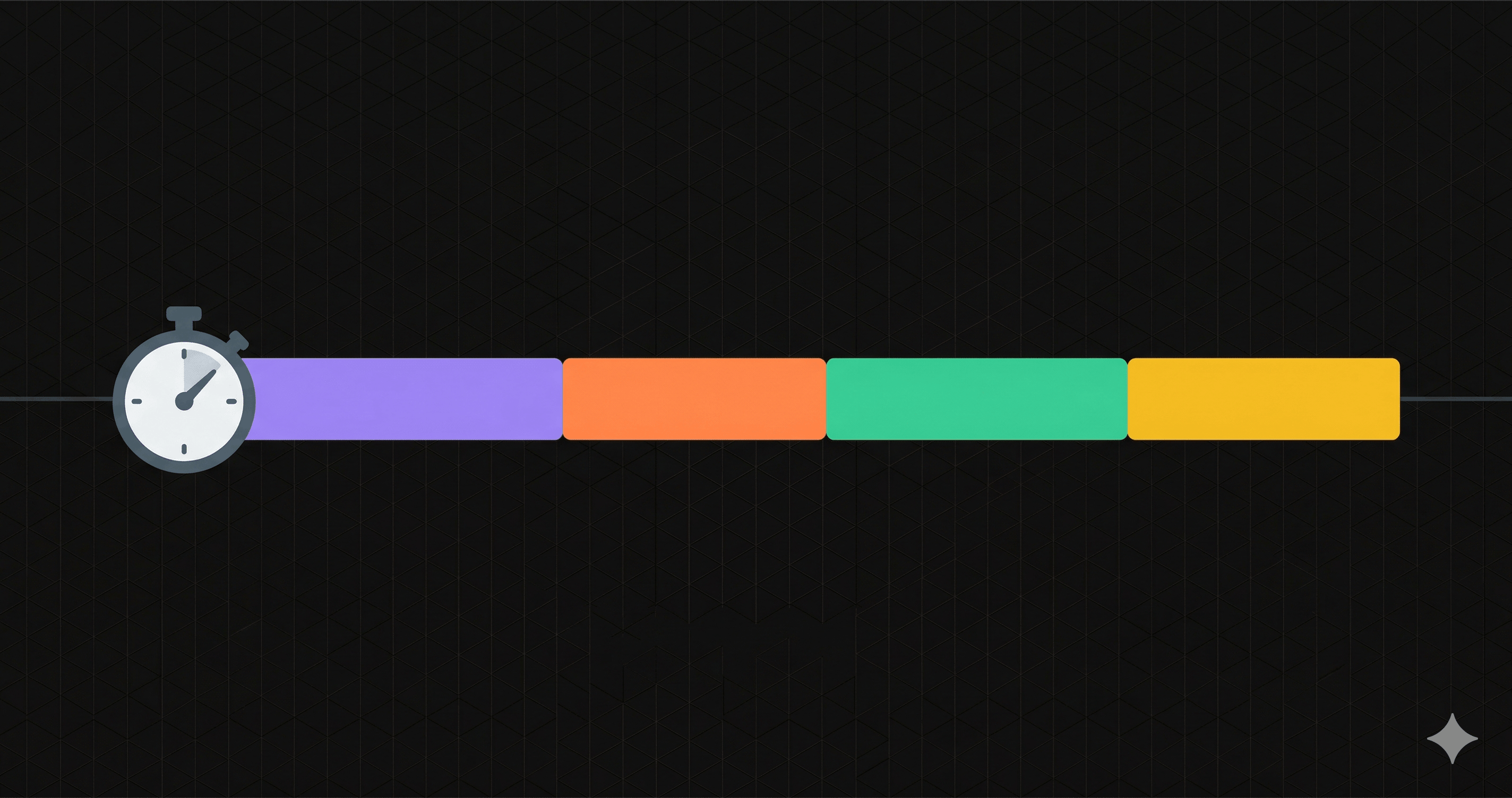
When your API is slow, saying "it's slow" isn't enough. You need to know where the time is going. Is it DNS resolution? The TLS handshake? Server processing? The response download?
This guide breaks down every phase of an API request, explains the metrics that matter for api performance monitoring, and shows you how to use them to diagnose real problems. Whether you're debugging a production incident or setting up monitoring for the first time, understanding these metrics is foundational.
The Anatomy of an API Request
Every HTTP request your client sends goes through a series of distinct phases before a single byte of response data arrives. Understanding this sequence is the first step toward meaningful api response time monitoring.
Client → DNS Lookup → TCP Connect → TLS Handshake → Request Send → Server Processing → TTFB → Response Transfer → DoneEach phase has its own timing metric, and each can be the bottleneck. Let's walk through them one by one.
1. DNS Lookup
The client resolves the domain name (e.g., api.example.com) to an IP address. This involves querying a DNS resolver, which may query root servers, TLD servers, and authoritative nameservers.
2. TCP Connection
A TCP three-way handshake establishes the connection: SYN, SYN-ACK, ACK. This adds one round trip between client and server.
3. TLS Handshake
For HTTPS, the client and server negotiate encryption parameters, verify certificates, and establish session keys. This adds one to two additional round trips.
4. Request Transfer
The HTTP request (headers + body) is sent to the server. For small API requests, this is negligible. For large POST payloads, it can be significant.
5. Server Processing (TTFB)
The server receives the request, executes application logic (database queries, computations, external API calls), and begins sending the response. TTFB measures this phase.
6. Response Transfer
The full response body is downloaded. For JSON APIs returning small payloads, this is typically fast. For large datasets or file downloads, it can dominate total time.
DNS Lookup Time: The Silent Bottleneck
DNS lookup time measures how long it takes to resolve a hostname to an IP address. It happens before any connection is established, and it's often overlooked in api performance monitoring.
What's Normal
A typical DNS lookup takes 10-50ms when hitting a nearby resolver with a cached entry. If the entry has expired or the resolver needs to do a full recursive lookup, it can take 100-300ms. Anything consistently above 200ms is a red flag.
What Causes Slow DNS
- Distant DNS provider: If your authoritative DNS is hosted in a single region, clients on the other side of the world pay a round-trip penalty for every uncached lookup.
- Low TTL values: A TTL of 60 seconds means resolvers must re-query your authoritative server every minute. TTLs of 300-3600 seconds are more practical for API endpoints that don't change IP frequently.
- DNS propagation issues: After a DNS change, different resolvers will have different cached values. This can cause intermittent failures or routing to stale IPs.
- No anycast: Non-anycast DNS providers serve all queries from a small number of locations, adding latency for distant clients.
How to Diagnose
Use dig or nslookup to measure resolution time from different locations:
$ dig api.example.com +stats
;; Query time: 23 msec

$ dig api.example.com
api.example.com.  300  IN  A  203.0.113.50
If DNS lookup time is consistently high across all monitoring regions, the fix is usually switching to a fast anycast DNS provider (Cloudflare DNS, AWS Route 53, Google Cloud DNS) and setting reasonable TTL values.
TLS Handshake Time: The Cost of Encryption
The TLS handshake establishes a secure encrypted connection between client and server. It's a required step for any HTTPS API, and it adds measurable latency to every new connection.
What Happens During a TLS Handshake
- ClientHello: The client sends supported cipher suites and TLS versions.
- ServerHello: The server selects a cipher suite and sends its certificate chain.
- Certificate Verification: The client validates the server's certificate against trusted CAs, checks expiry, and verifies the certificate chain.
- Key Exchange: Both parties compute shared session keys using algorithms like ECDHE.
- Finished: Both sides confirm the handshake is complete and encrypted communication begins.
What's Normal
A TLS 1.3 handshake typically adds 50-100ms (one round trip). TLS 1.2 requires two round trips, adding 100-200ms. On high-latency connections (cross-continent), this can exceed 300ms.
What Causes Slow TLS
- Long certificate chains: If your server sends a chain of 4+ certificates, the client must verify each one. Keep your chain short: leaf certificate + one intermediate.
- Missing intermediate certificates: If the server doesn't send the full chain, the client must fetch missing intermediates separately, adding hundreds of milliseconds.
- OCSP stapling disabled: Without OCSP stapling, the client makes a separate request to the CA to check certificate revocation. Enable OCSP stapling on your server to eliminate this round trip.
- Old TLS versions: TLS 1.2 requires two round trips vs. one for TLS 1.3. If your server still negotiates TLS 1.2, you're paying an extra round trip on every new connection.
HTTP/2 and Connection Reuse
The TLS handshake cost is per-connection, not per-request. With HTTP/2, multiple requests are multiplexed over a single connection, so the handshake cost is amortized. This is why connection reuse is critical for API performance — a client making 50 API calls over one HTTP/2 connection pays the TLS cost once. The same 50 calls over HTTP/1.1 without keep-alive would pay it 50 times.
Time to First Byte (TTFB): The Most Important Metric
TTFB measures the time between the client sending the last byte of the request and receiving the first byte of the response. It isolates server-side processing time from network overhead, making it the single most valuable metric for ttfb monitoring of API endpoints.
What TTFB Tells You
TTFB is a direct measurement of how long your server takes to process the request and begin responding. This includes:
- Application framework routing and middleware execution
- Authentication and authorization checks
- Database queries
- Cache lookups (or cache misses)
- External API calls
- Response serialization (JSON encoding)
What's Normal
For a well-optimized REST API:
- Under 100ms: Excellent. Likely serving from cache or running simple queries.
- 100-300ms: Normal for endpoints with database queries and moderate business logic.
- 300-500ms: Acceptable for complex operations (aggregations, multiple joins, external API calls).
- Over 500ms: Investigate. This usually indicates a slow database query, missing index, N+1 query problem, or an unresponsive external dependency.
TTFB vs. Response Time
This distinction is critical and often misunderstood:
    Total Response Time = DNS + TCP + TLS + Request Send + TTFB + Download
TTFB = Server processing only (after request, before response)
Two APIs can have identical TTFB but very different total response times. If API-A returns a 500-byte JSON payload and API-B returns a 5MB dataset, their TTFB might both be 80ms — but API-B's total response time will be much higher due to the transfer phase.
Conversely, two APIs with the same total response time can have very different TTFB values. If one has slow DNS (300ms) but fast processing (50ms), and another has fast DNS (20ms) but slow processing (330ms), both show 350ms total — but the root causes and fixes are completely different.
This is why monitoring both metrics separately is essential for accurate diagnosis.
P50, P95, P99: Why Averages Lie
If your API monitoring dashboard only shows average response time, you're missing the most important information. Averages hide the pain your worst-affected users experience.
What Percentiles Mean
- P50 (median): 50% of requests are faster than this value. This represents the "typical" experience.
- P95: 95% of requests are faster than this value. The remaining 5% — one in 20 requests — are slower. This is where real-world pain starts showing up.
- P99: 99% of requests are faster. One in 100 requests is slower. For an API handling 10,000 requests per hour, that's 100 slow requests every hour.
A Concrete Example
Consider an API with these response times for 100 requests:
- 90 requests: 80-120ms
- 7 requests: 400-600ms
- 3 requests: 2000-4000ms
The average is ~230ms. Looks fine. But:
- P50: 100ms — the typical experience
- P95: 550ms — 5% of users wait 5x longer than typical
- P99: 3200ms — 1% of users wait 32x longer than typical
The average of 230ms tells you nothing about the 3 users per 100 who waited over 3 seconds. If those users are on your checkout flow, you're losing revenue.
What Causes Tail Latency
The gap between P50 and P99 reveals systemic issues:
- Database connection pool exhaustion: Most requests get an immediate connection; some wait in the queue.
- Garbage collection pauses: In JVM or .NET runtimes, GC can freeze all threads for hundreds of milliseconds.
- Cold starts: Serverless functions (Lambda, Cloud Functions) spin up new instances unpredictably, hitting some requests with initialization time.
- Lock contention: Concurrent requests competing for the same resource (file lock, database row lock) cause queuing.
- External dependency variance: Your database might respond in 5ms 99% of the time and 500ms during periodic vacuum operations.
How Nurbak Monitors These Metrics
Nurbak captures every metric discussed in this article automatically for each health check. There's no SDK to install, no code changes, and no agents running on your servers. You register your API endpoint, and Nurbak starts monitoring.
What Gets Measured Per Check
Every health check records the full timing breakdown:
- DNS Lookup Time — measured in milliseconds, per region
- TCP Connection Time — network round trip to establish the connection
- TLS Handshake Time — certificate validation and key exchange duration
- TTFB — server processing time, isolated from network overhead
- Total Response Time — end-to-end duration including download
- HTTP Status Code — success, client error, or server error
Multi-Region Comparison
Health checks run from up to 4 global regions: Virginia (US), Sao Paulo (BR), Paris (FR), and Tokyo (JP). This reveals issues invisible from a single location:
- DNS resolution that's fast in the US but slow from Asia (missing anycast)
- TLS handshake times that double for distant clients
- TTFB that spikes from one region (suggesting a regional database replica lag)
Historical Percentiles
The dashboard shows P50, P95, and P99 over time. You can spot trends — like P99 creeping up over a week while P50 stays flat — that indicate a growing problem before it becomes an outage.
Real-World Debugging Examples
Here are three scenarios where breaking down the timing metrics immediately points to the root cause.
Scenario 1: High TTFB, Everything Else Normal
    DNS:    25ms  ✓
TLS:    60ms  ✓
TTFB:   1800ms ✗
Total:  1920ms
Diagnosis: The server is slow to process the request. DNS and TLS are healthy, so the network is fine. Look at your application logs for that endpoint. Common causes: a slow database query (check for missing indexes or full table scans), an N+1 query pattern, a synchronous call to a slow external API, or an overloaded application server.
Fix: Profile the endpoint. Add database indexes, implement query caching, or move slow external calls to background jobs.
Scenario 2: High DNS, Everything Else Normal
    DNS:    450ms ✗
TLS:    55ms  ✓
TTFB:   90ms  ✓
Total:  630ms
Diagnosis: DNS resolution is taking nearly half a second. The server itself is fast (90ms TTFB). This typically means your DNS provider is slow from the monitoring region, your DNS TTL is too low (forcing constant re-resolution), or there's a DNS propagation issue after a recent change.
Fix: Check your DNS TTL values (increase to 300+ seconds for stable endpoints). Consider switching to an anycast DNS provider. Verify DNS resolution from multiple locations using dig or a tool like DNSChecker.
Scenario 3: High TLS, Normal from Some Regions
    Region     DNS   TLS     TTFB  Total
Virginia   20ms  65ms    85ms  200ms  ✓
Paris      35ms  280ms   90ms  440ms  ✗
Tokyo      40ms  310ms   88ms  475ms  ✗
Diagnosis: TLS handshake is fast from Virginia but slow from Paris and Tokyo. TTFB is consistent (server processes equally fast), so this is a certificate chain or TLS configuration issue. The extra latency from distant regions suggests multiple round trips during the handshake.
Fix: Check your certificate chain — a missing intermediate forces clients to fetch it separately. Enable OCSP stapling. Ensure your server supports TLS 1.3 (one round trip vs. two for TLS 1.2). Use a CDN or edge proxy to terminate TLS closer to the client.
Setting Up Your Monitoring Baseline
Before you can detect anomalies, you need to know what "normal" looks like for your API. Here's a practical approach:
- Monitor for 7 days before setting alert thresholds. This captures weekday vs. weekend traffic patterns and gives your percentiles time to stabilize.
- Set alerts on P95, not averages. An average-based alert won't fire until most of your users are affected. A P95-based alert catches degradation while 95% of users are still fine.
- Use separate thresholds per metric. Alert on TTFB > 500ms independently from total response time > 1000ms. This way, you know immediately whether the issue is server-side or network-side.
- Compare across regions. If all regions degrade simultaneously, it's a server problem. If only one region degrades, it's a network or DNS issue specific to that path.
Summary
API performance is not one number. It's a series of phases — DNS, TCP, TLS, TTFB, transfer — each with its own failure modes and fixes. Monitoring only total response time is like checking only the final score of a game: you know you lost, but not why.
Break your metrics down. Track percentiles, not averages. Monitor from multiple regions. And when something goes wrong, the timing breakdown will tell you exactly where to look.
Nurbak captures all of these metrics automatically for every health check. Create a free account, register your first endpoint, and start seeing the full picture of your API performance in minutes.