
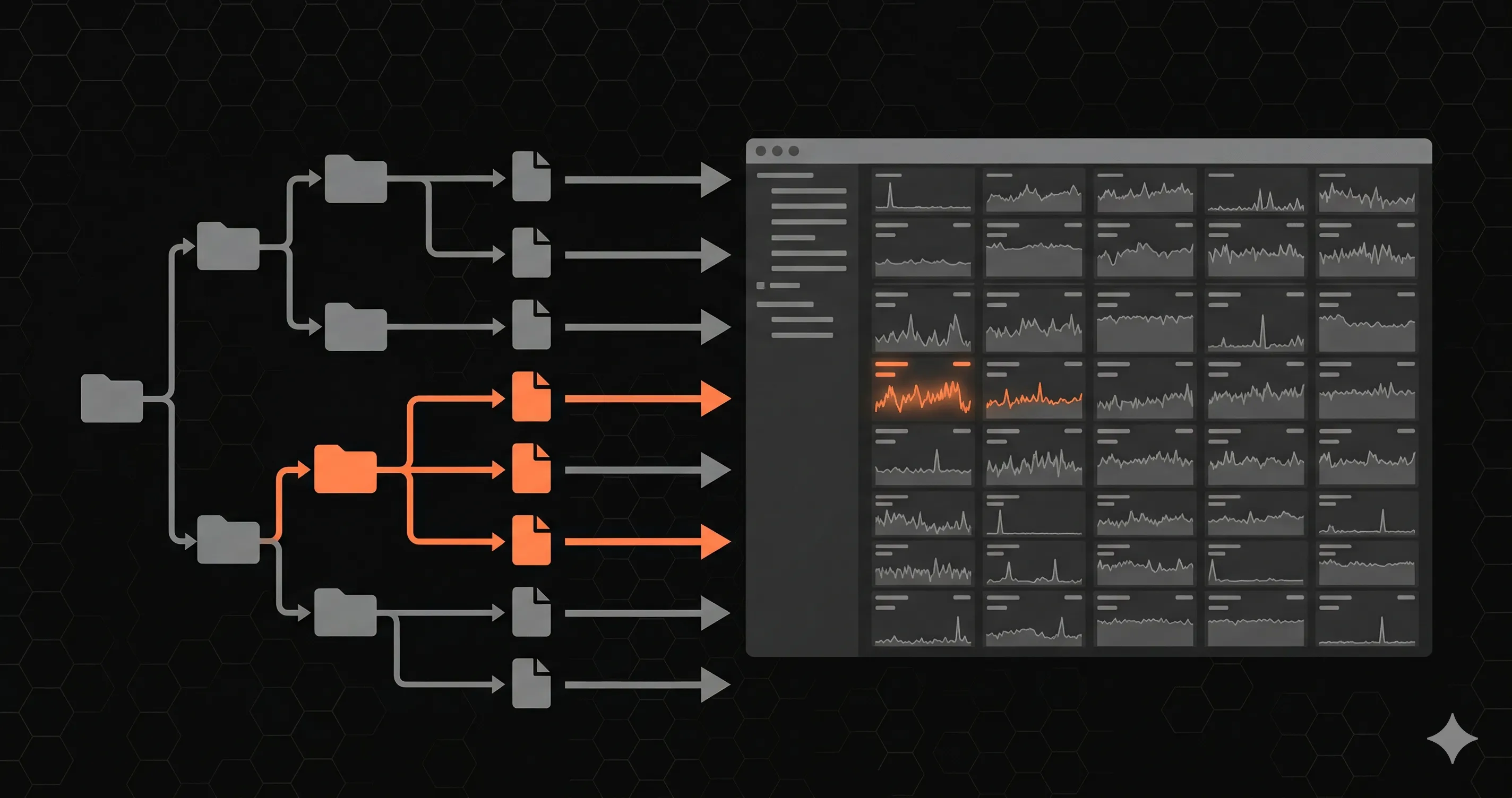
Your Next.js app is in production. Users are hitting your API routes. But how do you know if /api/users is responding in 200ms or 2000ms? How do you know if your payment webhook is returning 500 errors at 3 AM?
Most developers deploy and hope for the best. In this guide, you'll learn how to set up proper API monitoring for your Next.js routes — with automated health checks, latency tracking, and instant alerts — in under 5 minutes. (Not sure how to build the health check itself? Start with our Next.js health check guide.)
Why Monitor Next.js API Routes?
Next.js API routes are serverless functions under the hood (on Vercel) or Express-like handlers (on Node). Either way, they can fail silently:
- Cold starts can spike latency from 50ms to 2000ms+
- Database connections can time out without visible errors
- Third-party APIs (Stripe, Auth0, etc.) can degrade and cascade failures
- SSL certificates can expire and break all HTTPS traffic
- DNS changes can propagate incorrectly across regions
Without monitoring, you only find out when users complain — or when revenue drops.
What to Monitor
For each API route, you should track:
| Metric | Why it matters |
|---|---|
| Response time (P95) | Catches latency spikes that affect 5% of requests |
| HTTP status codes | Detects 4xx/5xx errors in real-time |
| DNS lookup time | Reveals DNS propagation issues |
| TLS handshake time | Catches certificate or configuration problems |
| TTFB | Measures server processing time (excluding network) |
| Uptime percentage | Tracks overall availability (target: 99.9%+) |
| SSL expiry | Prevents surprise certificate expirations |
Step 1: Install the Monitoring SDK
Add the Nurbak Watch SDK to your Next.js project:
npm install @nurbak/watchThis is a lightweight package (< 10KB) with zero dependencies. It won't affect your bundle size or cold start time.
Step 2: Add the Instrumentation File
Create instrumentation.ts in your project root (Next.js 13.4+ supports this natively):
import { initWatch } from '@nurbak/watch'

export function register() {
  initWatch({
    apiKey: process.env.NURBAK_WATCH_KEY,
  })
}
That's 5 lines of code. No YAML files, no agent configuration, no dashboard setup. The SDK automatically discovers your API routes and starts reporting health data.
Step 3: Configure Alerts
In the Nurbak dashboard, configure when you want to be notified:
- API Down — endpoint returns errors or is unreachable
- High Latency — response time exceeds your threshold (e.g., > 2000ms)
- Error Rate — 4xx/5xx percentage exceeds threshold (e.g., > 10%)
- SSL Expiry — certificate expires within N days (e.g., < 14 days)
Alerts can be sent to:
- Slack — via webhook (Block Kit formatted messages)
- Email — instant delivery via Resend
- WhatsApp — direct message to your phone
- SMS — for critical alerts when you're away from your desk
Step 4: Deploy and Verify
Deploy your app normally. Within 5 minutes, the first health check will run. You'll see your endpoints appear in the dashboard with real-time metrics:
- Response time trends (30-day chart with P95)
- Uptime percentage per endpoint
- Active incidents and their duration
- SSL certificate status and expiry date
Multi-Region Monitoring
One of the biggest advantages of dedicated monitoring is checking from multiple locations. Nurbak runs health checks from 4 regions:
- Virginia, US — North America
- São Paulo, Brazil — South America
- Paris, France — Europe
- Tokyo, Japan — Asia Pacific
This means you can detect regional outages — like when your Vercel deployment is healthy in the US but timing out from Europe due to a CDN issue.
What About Vercel Analytics?
Vercel provides basic analytics and logging, but it's not a monitoring solution:
- No automated health checks from external regions
- No proactive alerts (you have to check the dashboard manually)
- No P95/P99 latency percentiles per endpoint
- No SSL certificate monitoring
- No incident tracking with duration
Vercel Analytics tells you what happened. Monitoring tells you the moment it happens — and wakes you up if needed.
Pricing
Nurbak's Starter plan ($19/mo) includes everything you need to get started:
- 1 project, 10 endpoints
- Health checks every 5 minutes
- Email + Slack alerts for downtime
- Full reports with AI fix prompts
- Flat pricing — cancel anytime
For teams that need faster checks (every 60 seconds), multi-region monitoring, and WhatsApp alerts, the Pro plan is $29/month.
Summary
Monitoring your Next.js API routes takes 5 minutes and 5 lines of code. You get automated health checks from 4 global regions, P95 latency tracking, and instant alerts on Slack/email/WhatsApp. Don't wait for users to report outages — know first.