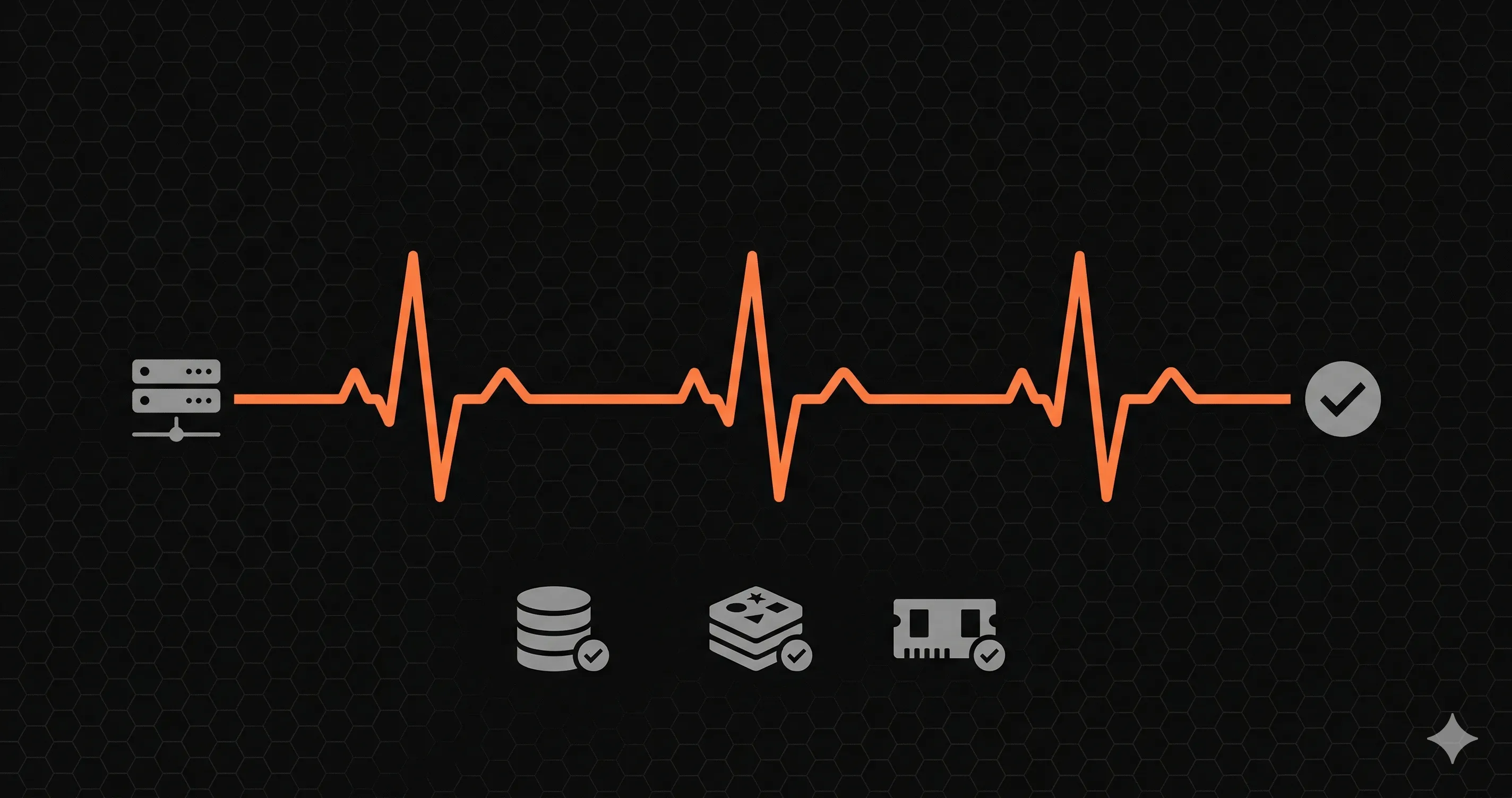
Tu API devuelve 200 OK en cada request. La base de datos esta conectada. Redis funciona. Todo anda.
Despues se llena el connection pool de PostgreSQL. Los requests empiezan a encolarse. Los tiempos de respuesta pasan de 50ms a 8 segundos. Tu app esta tecnicamente "arriba" pero practicamente inutilizable. El load balancer sigue mandando trafico porque no sabe que algo anda mal.
Un health check endpoint habria detectado esto en segundos.
Que es un health check endpoint
Un health check es una ruta dedicada, generalmente /health o /api/healthque reporta si tu aplicacion puede hacer su trabajo. No solo "esta corriendo el proceso", sino "puede este servidor manejar requests reales ahora mismo."
Tres cosas consumen health checks:
- Load balancers (AWS ALB, Nginx), redirigen trafico fuera de instancias no saludables
- Orquestadores de contenedores (Kubernetes, Docker), reinician contenedores que fallan
- Herramientas de monitoreo (UptimeRobot, Datadog), te alertan cuando algo se rompe
Que debe incluir un buen health check
| Check | Que detecta | Como testearlo |
|---|---|---|
| Base de datos | Pool agotado, problemas de red, lag de replicacion | SELECT 1 con timeout |
| Cache (Redis) | Conexiones fallidas, memoria alta | PING con timeout |
| APIs externas | Caidas de terceros (Stripe, Auth0) | HEAD request o endpoint liviano |
| Memoria | Memory leaks, riesgo de OOM | Verificar process.memoryUsage() |
Cada check debe tener un timeout. Un health check que cuelga 30 segundos esperando una base de datos muerta es peor que no tener health check.
Implementacion en Next.js App Router
Crea app/api/health/route.ts. Para una guia mas completa especifica de Next.js con App Router, Pages Router y monitoreo multi-region, lee nuestra guia completa de health checks en Next.js.
// app/api/health/route.ts
import { NextResponse } from 'next/server'

async function checkWithTimeout(name, fn, timeoutMs = 3000) {
  const start = Date.now()
  try {
await Promise.race([
  fn(),
  new Promise((_, reject) =>
    setTimeout(() => reject(new Error('Timeout')), timeoutMs)
  ),
])
return { name, status: 'healthy', latency: Date.now() - start }
  } catch (error) {
return {
  name,
  status: 'unhealthy',
  latency: Date.now() - start,
  message: error.message,
}
  }
}

export async function GET() {
  const checks = await Promise.all([
checkWithTimeout('database', async () => {
  // Reemplaza con tu pool de conexion
  const { Pool } = await import('pg')
  const pool = new Pool({ connectionString: process.env.DATABASE_URL })
  const client = await pool.connect()
  try { await client.query('SELECT 1') }
  finally { client.release(); await pool.end() }
}),
checkWithTimeout('memory', async () => {
  const usage = process.memoryUsage()
  const pct = (usage.heapUsed / usage.heapTotal) * 100
  if (pct > 90) throw new Error(`Heap at ${pct.toFixed(1)}%`)
}),
  ])

  const isHealthy = checks.every(c => c.status === 'healthy')

  return NextResponse.json(
{ status: isHealthy ? 'healthy' : 'unhealthy', checks },
{
  status: isHealthy ? 200 : 503,
  headers: { 'Cache-Control': 'no-cache, no-store, must-revalidate' },
}
  )
}Implementacion en Express
// routes/health.js
router.get('/health', async (req, res) => {
  const checks = await Promise.all([
checkWithTimeout('database', async () => {
  await req.app.get('dbPool').query('SELECT 1')
}),
checkWithTimeout('redis', async () => {
  await req.app.get('redisClient').ping()
}),
checkWithTimeout('memory', async () => {
  const pct = (process.memoryUsage().heapUsed /
    process.memoryUsage().heapTotal) * 100
  if (pct > 90) throw new Error(`Heap at ${pct.toFixed(1)}%`)
}),
  ])

  const isHealthy = checks.every(c => c.status === 'healthy')
  res.status(isHealthy ? 200 : 503)
.set('Cache-Control', 'no-cache, no-store, must-revalidate')
.json({ status: isHealthy ? 'healthy' : 'unhealthy', checks })
})
Implementacion en FastAPI
# routes/health.py
import asyncio, time, psutil
from fastapi import APIRouter
from fastapi.responses import JSONResponse

router = APIRouter()

async def check_with_timeout(name, coro, timeout_s=3.0):
start = time.monotonic()
try:
    await asyncio.wait_for(coro(), timeout=timeout_s)
    return {"name": name, "status": "healthy",
            "latency": round((time.monotonic() - start) * 1000)}
except Exception as e:
    return {"name": name, "status": "unhealthy",
            "latency": round((time.monotonic() - start) * 1000),
            "message": str(e)}

@router.get("/health")
async def health_check():
checks = await asyncio.gather(
    check_with_timeout("database", check_database),
    check_with_timeout("redis", check_redis),
    check_with_timeout("memory", check_memory),
)
is_healthy = all(c["status"] == "healthy" for c in checks)
return JSONResponse(
    content={"status": "healthy" if is_healthy else "unhealthy", "checks": checks},
    status_code=200 if is_healthy else 503,
    headers={"Cache-Control": "no-cache, no-store, must-revalidate"},
)
Errores comunes a evitar
- Sin timeout en los checks: Si tu DB esta lenta, el health check cuelga 30+ segundos. El load balancer marca todas las instancias como no saludables.
- Cachear la respuesta: Un CDN cacheando
200 OKpor 60 segundos significa trafico enviado a una instancia muerta durante un minuto entero. - Verificar demasiado: No chequees servicios opcionales (analytics, feature flags). Un Mixpanel caido no deberia hacer tu app "no saludable."
- Exponer informacion sensible: No incluyas connection strings ni IPs internas en la respuesta.
Mas alla del health check: monitorear cada API route
Un health check testea un request sintetico cada 30-60 segundos. Es buena base, pero no detecta errores intermitentes, spikes de latencia ni fallas especificas por endpoint.
La solucion es medir cada API route con trafico real. En Next.js podés registrar OpenTelemetry en el hook de instrumentacion y mandar los datos a tu backend de metricas o APM:
// instrumentation.ts
import { registerOTel } from '@vercel/otel'

export function register() {
  registerOTel({ serviceName: 'my-app' })
}
Con eso tenés latencia P95 real por ruta, tasas de error y la base para alertas por endpoint.
El health check es tu detector de humo. El monitoreo a nivel de request es el sensor en cada habitacion.
Empeza
Armá el endpoint de health check, apuntá un monitor de uptime externo a /api/health cada minuto, instrumentá tus API routes para medir latencia y errores con trafico real y configurá alertas por ruta al canal que mira tu guardia.